77
Playing an audio CD
Audio CDs
US
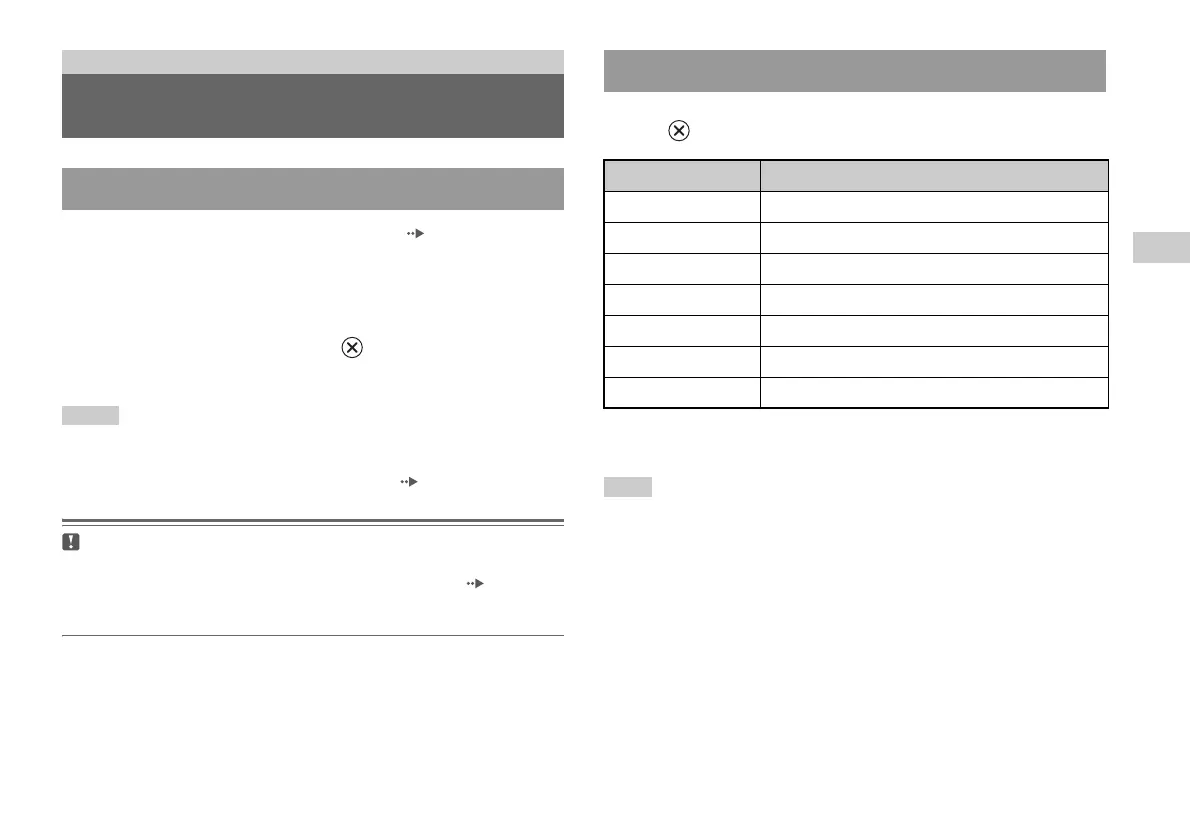
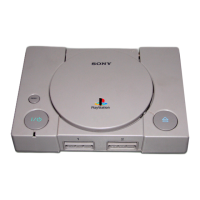
1 Turn on the console and insert the disc ( page 72).
Follow steps 1 to 4 of "Starting a game".
The track numbers are displayed.
2 Using the directional buttons, select the track number you
want to play and then press the button.
Playback begins.
Notes
• If you turn on the console after inserting a disc, the track numbers are displayed
automatically.
• You can also start playback from the Browser screen ( page 92).
Caution
To play an audio CD recorded in DTS format, you must connect a device with
a DTS decoder to the DIGITAL OUT (OPTICAL) connector ( page 69).
Note that an extremely loud noise may be emitted if the device does not have a
DTS decoder or if it is connected to the AV MULTI OUT connector.
Using the directional buttons, select the icon for the desired track and then
press the button.
* You can operate directly by pressing the buttons of the analog controller
(DUALSHOCK
®2).
Note
You can also use the DVD remote control (for PlayStation®2) (sold separately).
Audio CDs
Playing an audio CD
Playing a CD
Operating the CD player during playback
Icon (button*) Function
. (L1 button) Go to the beginning of the current or previous track
m (L2 button) Fast reverse
M (R2 button) Fast forward
> (R1 button) Go to the beginning of the next track
N (START button) Start playback
X (START button) Pause playback
x (SELECT button) Stop playback













 To Next Page