82
Watching a DVD
You can search either forwards or backwards to quickly locate a particular
point on a DVD.
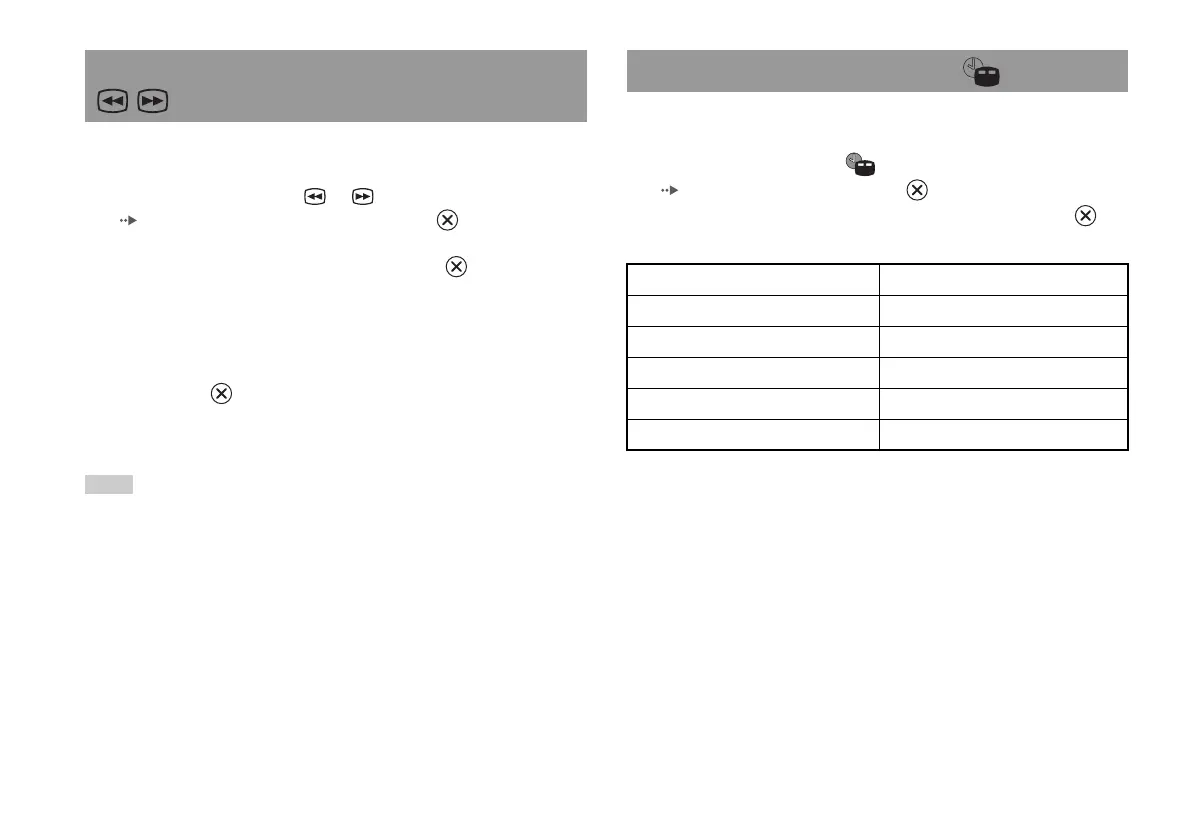
1 During playback, select or in the Control Panel
( page 79) and then press and hold the button.
Search speed changes as shown below when you press either the up or
down directional button while holding down the button.
• Search 3
• Search 2
• Search 1
•Slow
2 Release the button when you reach the point you are
searching for.
Playback returns to normal speed.
Note
To use the analog controller for Search during playback, press and hold down the L2
or R2 button to begin searching. Use the directional buttons to change speeds.
Release the L2 or R2 button when you reach the point you are searching for.
You can display information such as the current title number or elapsed
time.
1 During playback, select in the Control Panel
( page 79) and then press the button.
The display changes as shown below each time you press the
button.
Finding a particular point on a DVD (Search) Displaying playback information
Title X Chapter X Title number and chapter number
Title X Chapter X C XX:XX:XX Elapsed time of current chapter
Title X Chapter X C - XX:XX:XX Remaining time of current chapter
Title X Chapter X T XX:XX:XX Elapsed time of current title
Title X Chapter X T - XX:XX:XX Remaining time of current title
(Off)













 To Next Page