91
Adjusting DVD player settings
DVDs
US
Notes
• If you set "DTS" to "Off" in "Audio Digital Out" ( page 90), the DTS audio
track is not played.
• Depending on the DVD, the audio channel with priority may be predetermined. In
this case, the audio track will be selected based on the DVD's order of priority.
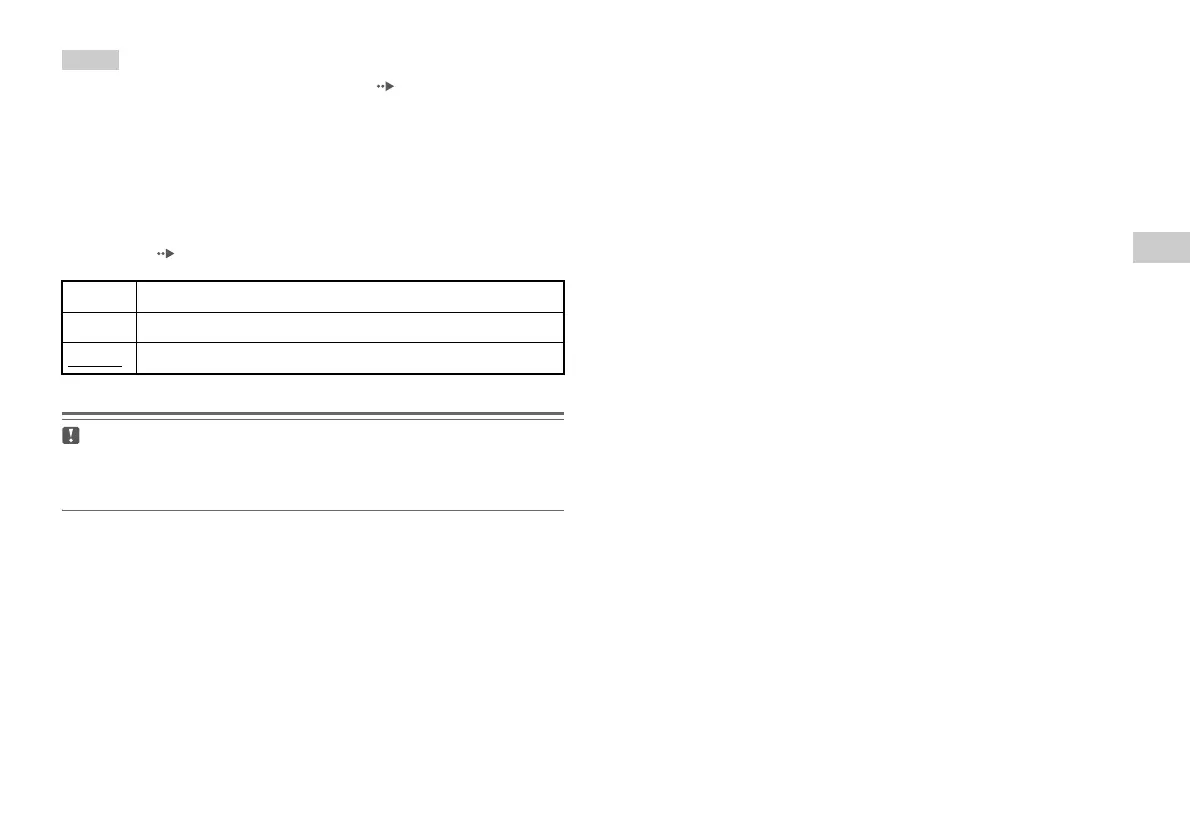
DVD Volume
You can set this option if the audio output level of the DVD is low. You
can set this only when "Digital Out (Optical)" is set to "Off" in "Audio
Digital Out" ( page 90).
Caution
If you set this option to "+1" or "+2", the sound may become distorted. If this
happens, change the setting to "Standard". Also note that if you set the volume
too high, it may harm your hearing or damage the speakers.
+2 Turns up the volume (maximum)
+1 Turns up the volume
Standard
Normally select this option.













 To Next Page