1-2E
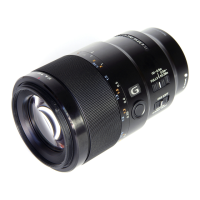
SEL100F28GM
1-5. NOTE ON REPLACEMENT OF OP-
TICAL BLOCK FOR SERVICE
To replace the Optical Block For Service, connect the E-mount lens
to the ILCE-5000, and release the specified Flag in the following
procedure.
• Implement [Service Flag OFF (S)] of E-Mount Lens Adjust-
ment (Adjustment Application for Service).
* A message “Can’t Adjustment this model.” may be displayed
by “Connect” for some lens models, but [Service Flag OFF (S)]
can be executed.
Note: The lens cannot be detected when the E-mount lens is con-
nected to a camera without releasing the specified Flag.
Displayed as “F--”
1-6. NOTE ON REPLACEMENT OF
MAIN BOARD
To replace the Main Board (CL-1049 board), connect the E-mount
lens to the ILCE-5000, and read/write of the adjustment data in the
following procedure.
• Before main board replacement
“Command” of E-Mount Lens Adjustment (Adjustment Applica-
tion for Service) is set to [READ] to implement the [Adjustment
Data Backup].
• After main board replacement
“Command” of E-Mount Lens Adjustment (Adjustment Appli-
cation for Service) is set to [WRITE(SAVE)] to implement the
[Adjustment Data Backup].



 To Next Page