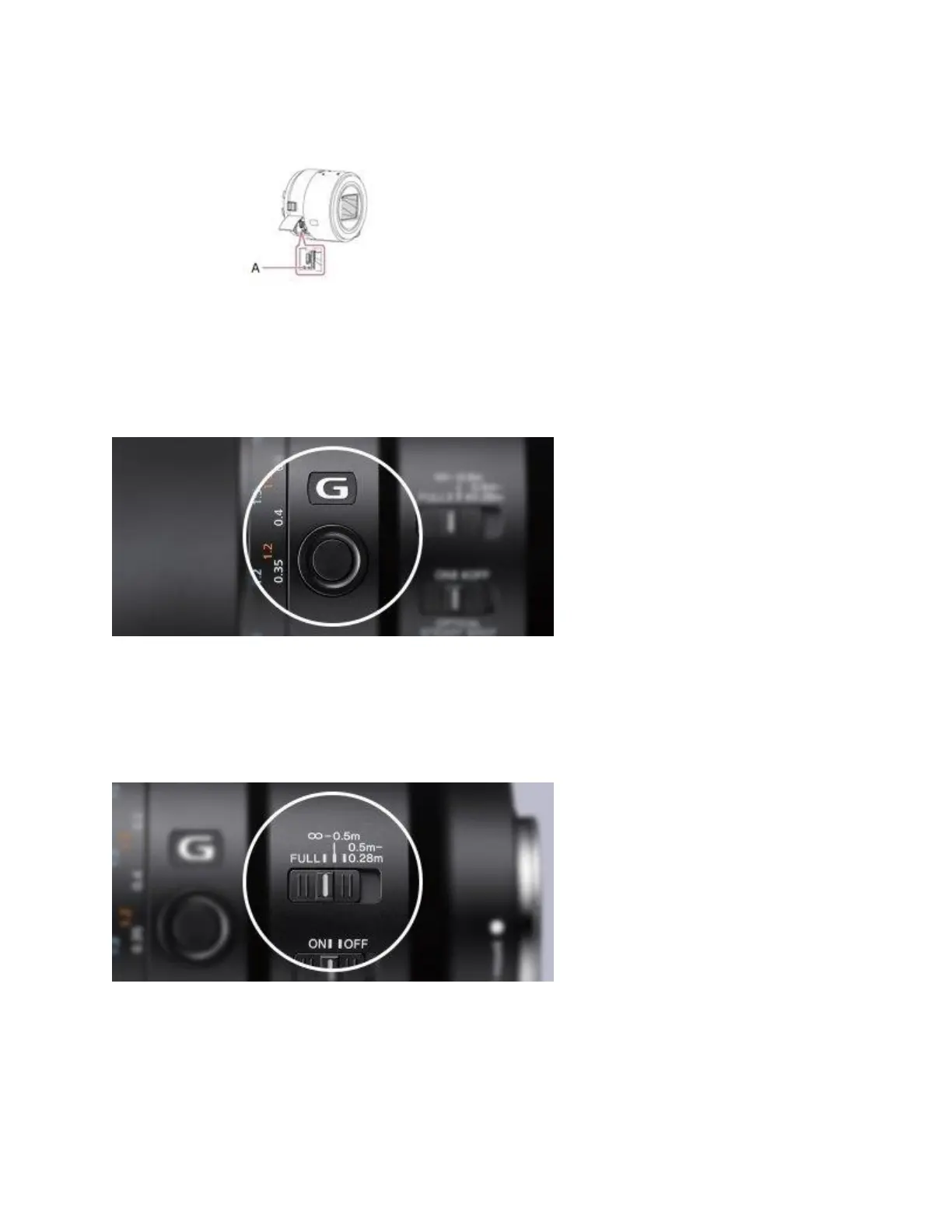
o The RESET button on lens-style cameras is near the Multi Terminal.
2. Use a pointed object (like a ballpoint pen) to press and hold the RESET button for 2-3 seconds.
3. After 2-3 seconds has elapsed, release the RESET button.
4. After the camera reboots, the time and date settings menu will be displayed. Follow the on-
screen instructions to complete the initial settings.
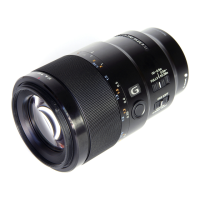
Focus lock where you need it most
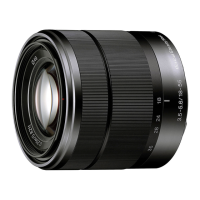
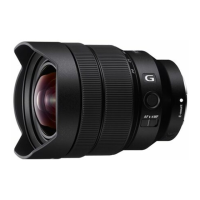
Pressing the focus hold button, conveniently located on the lens barrel, instantly locks focus at
the current setting and keeps it there until the button is released. The focus hold button can be
used to lock focus even when shooting in the continuous AF mode.
Select your focus range for faster AF
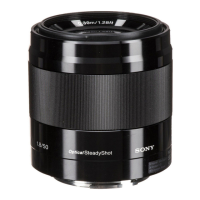
The Focus Range Limiter selector can be set for near and/or far focusing, depending on the
subject, limiting focusing range and thereby maximising autofocus speed. Selections are


 To Next Page