5
GB
In this manual, ™ and ® marks are not
specified.
About this manual
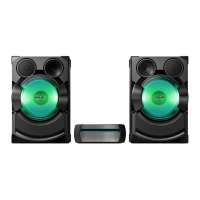
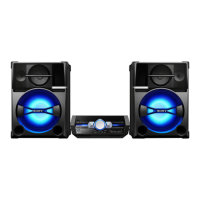
The instructions in this manual are for
models SHAKE-X7D and SHAKE-X3D.
In this manual, the SHAKE-X7D is
used for illustration purpose unless
stated otherwise.
This manual mainly explains
operations using the remote control,
but the same operations can also be
performed using the buttons on the
unit having the same or similar
names.
Icons, such as , listed at the top
of each explanation indicate the type
of media that can be used with the
function being explained.
Some illustrations are presented as
conceptual drawings, and may be
different from the actual products.
The items displayed on the TV screen
may vary depending on the area.
The default setting is underlined.
The text enclosed in bracket ([--])
appears on the TV screen, and the
text enclosed in double quotation
mark (“--”) appears in the display
panel.



 To Next Page