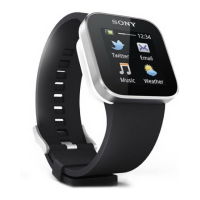
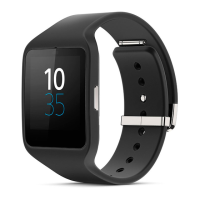
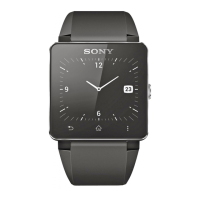
Using your SmartWatch 2
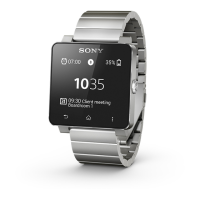
Viewing event notifications
Once you have installed them, many of your SmartWatch 2 apps send notifications
that you can view on your SmartWatch 2. When a notification arrives, SmartWatch 2
vibrates and the application appears on the screen. If SmartWatch 2 is disconnected
from your Android™ device, you can only view notifications which were received
before disconnecting. See
Adding features to your SmartWatch 2
on page 6.
You can receive the following kinds of notifications from your Android™ device on the
screen of your SmartWatch 2:
•
Missed calls
•
Text messages
•
Emails
•
Updates from social networking services, such as Facebook™ and Twitter™
•
Calendar event reminders
•
Gmail
For some applications, such as Facebook™, you have to first log in to the service in the
SmartWatch 2 application on your Android™ device.
To view an event notification
•
When a notification arrives, tap the application icon on the Home screen.
Calling
When you are using a wireless Bluetooth
®
headset, you can use SmartWatch 2 as a
remote to handle phone calls easily. To make calls from your SmartWatch 2, you must
install the Call application for SmartWatch 2. See
Adding features to your
SmartWatch 2
on page 6.
You can make a call from your SmartWatch 2 by manually dialling a phone number,
by tapping a number saved in your contact or favourite list, or by tapping the phone
number in your call log view.
To make a call by dialling
1
From the Home screen, find and tap
.
2
Tap
.
3
Enter the number of the recipient and tap
.
To make a call from the Contacts
1
From the Home screen, find and tap .
2
Tap .
3
Tap the first letter of the name of the contact.
4
Find and tap the contact.
5
Tap
.
Receiving calls
To answer a call
•
Tap .
The answer function only appears in SmartWatch 2 when it is connected to a Sony Android™
device. For non-Sony Android™ devices, answer the call from your headset or Android™
device.
To decline a call
•
Tap .
12
This is an Internet version of this publication. © Print only for private use.


 To Next Page