EasyManua.ls Logo

Sony SRS-X99 - User Manual

Sony SRS-X99
41 pages
Print Icon
To Next Page IconTo Next Page
Loading...
4-567-503-13(1)
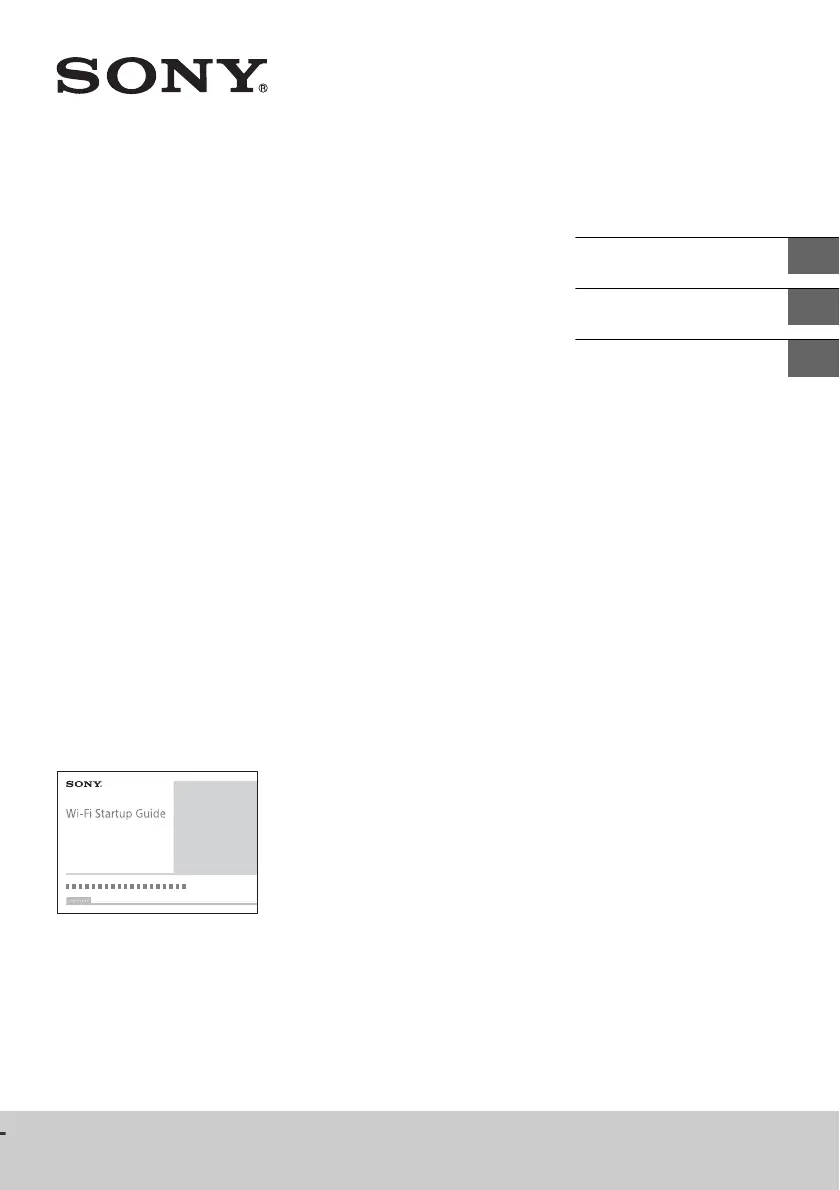
SRS-X99
Personal Audio System
Système audio personnel
Sistema de audio personal
Refer to the Wi-Fi Startup Guide (separate document) for how to listen
to music stored in your PC or other device over your Wi-Fi network.
Reportez-vous au guide de démarrage Wi-Fi (document distinct) pour
savoir comment écouter la musique stockée sur votre PC ou autre
périphérique à l'aide de votre réseau Wi-Fi.
Consulte la Guía de inicio de Wi-Fi (se encuentra en un documento
aparte) acerca de cómo escuchar la música almacenada en su PC u
otro dispositivo a través de la red Wi-Fi.
Operating Instructions
US
Mode d’emploi
FR
Manual de instrucciones
ES

Other manuals for Sony SRS-X99

Questions and Answers

  • J
    jackwilliamsAug 15, 2025
    What to do if my Sony Stereo System is unable to pair with a BLUETOOTH device?
    • M
      Marc ChapmanAug 16, 2025
      If your Sony Stereo System isn't pairing with a Bluetooth device, try these steps: * Ensure the unit and Bluetooth device are within 1 meter (3 feet) of each other. * If the Bluetooth indicator isn't flashing quickly in white, press and hold the Bluetooth pairing button until the unit beeps and the indicator flashes quickly. * If you've initialized the unit, erase the pairing information on your iPhone/iPad/iPod and repeat the pairing procedure.
  • C
    Curtis BrandtAug 19, 2025
    Why is there no sound coming from my Sony Stereo System?
    • S
      Shawn HigginsAug 19, 2025
      If there's no sound from your Sony Stereo System, verify the following: * If connecting a PC, ensure the PC's audio output is set to a Bluetooth device. * Confirm the unit has an established Bluetooth connection with the device. * Try pairing the unit and the Bluetooth device again. * Note that the super tweeter (top) only plays high-frequency content. If your music file lacks this, sound won't output from it.
  • C
    Christine GilesAug 21, 2025
    What to do if my Sony SRS-X99 has distorted sound, humming, or noise in the speaker output?
    • A
      amandagrantAug 21, 2025
      If you are experiencing distorted sound, humming, or noise from your Sony Stereo System, try the following: * Move the unit and the Bluetooth device closer together, removing any obstacles between them. * Select “Priority on stable connection” for Bluetooth audio streaming playback quality.
  • R
    Robert WolfeAug 25, 2025
    What to do if my Sony SRS-X99 Stereo System cannot connect to a BLUETOOTH device with one-touch connection (NFC)?
    • W
      Wanda GriffinAug 26, 2025
      If your Sony Stereo System won't connect via NFC, here are some troubleshooting steps: * Keep your smartphone close to the unit until it responds. If it fails, slowly move the smartphone on the unit's N-Mark. Follow on-screen instructions when the smartphone responds. * Ensure the smartphone's NFC function is turned on. * Remove the smartphone from its case. * If repeated one-touch connection failures occur, connect via on-screen operation instead. * Check your smartphone's NFC compatibility on the customer support website.
  • E
    elizabeth70Aug 28, 2025
    What to do if my Sony SRS-X99 Stereo System has no sound or low sound level?
    • T
      Tracy SmithAug 28, 2025
      If you're experiencing no sound or low sound from your Sony Stereo System, ensure that: * Both the unit and the connected device are turned on. * The volume is turned up on both the unit and the connected device. * The connected device is playing back audio.
  • P
    Paul SalinasAug 31, 2025
    How to fix a Wi-Fi connection issue between my Sony SRS-X99 and home network?
    • M
      Megan GonzalesAug 31, 2025
      If you're having trouble connecting your Sony Stereo System to your home Wi-Fi network, consider the following: * Use the 2.4 GHz (IEEE 802.11 b/g/n) or 5 GHz (IEEE 802.11 a/n) frequency band for the Wi-Fi network, since the unit does not support IEEE 802.11ac. * When setting up Wi-Fi via the SongPal app, first connect your smartphone/iPhone to the Wi-Fi network. * Disconnect any LAN cable from the unit and restart it. A wired connection can prevent wireless use. * Ensure your wireless router is powered on. * Move the unit and router closer, and away from devices using the 2.4 GHz band (microwaves, Bluetooth devices, etc.). * Set the Wi-Fi antenna. * Try turning off and on the wireless router/access point, and the unit itself.
  • J
    Jasmine ClarkSep 2, 2025
    Why does my Sony SRS-X99 Stereo System enter standby mode or BLUETOOTH/Network standby mode unexpectedly?
    • S
      steven67Sep 2, 2025
      This is normal. Your Sony Stereo System automatically enters standby mode or BLUETOOTH/Network standby mode after about 15 minutes of inactivity or no sound input due to the auto standby function.
  • E
    evanssarahSep 6, 2025
    Why can't iTunes find my Sony SRS-X99 Stereo System via AirPlay?
    • T
      Thomas MckeeSep 6, 2025
      If iTunes can't find your Sony Stereo System via AirPlay: * Ensure that the PC with iTunes and the unit are on the same home network. * Update iTunes to the latest version.
  • T
    Tina BarnesSep 8, 2025
    Why is the ?/? (on/standby) indicator on my Sony SRS-X99 flashing red?
    • J
      Jason AlvarezSep 8, 2025
      The unit is in protect mode. Unplug the AC power cord and all other connected items, then plug the AC power cord back in and turn on the unit. If the indicator continues to flash, consult your nearest Sony dealer or the shop.
  • D
    Daniel ColemanSep 12, 2025
    What to do if the last setting on my Sony SRS-X99 is not kept?
    • J
      Jenny HernandezSep 12, 2025
      If the AC power cord is disconnected while the unit is on, the last usage setting before disconnecting the AC power cord is not kept. Turn off the power of the unit, and then unplug the AC power cord.

Summary

Getting Started and Operation

Owners Record

Section for recording the product's serial number for reference.

Precautions and Safety

Important advice for safe operation, placement, and maintenance.

Unit Controls and Indicators

Explains the function of buttons, ports, and status indicators on the unit.

Connectivity and Music Playback

About SongPal App

Overview of the SongPal app and its capabilities for device control.

Bluetooth Device Pairing and Playback

Steps to pair and play music via Bluetooth connection.

NFC One-Touch Connection

Using NFC for quick Bluetooth pairing and connection to the unit.

Wi-Fi Network Connection

Methods for connecting the unit to your Wi-Fi network.

USB and Audio Input Playback

Instructions for playing music from USB devices and analog audio inputs.

Advanced Features, Support, and Specifications

Internet Music Services

How to use Google Cast and Spotify for streaming music.

Troubleshooting and Initialization

Solutions for common issues and procedures for unit reset.

Product Specifications and Warranty

Technical specifications and limited warranty details for the product.

Sony SRS-X99 Specifications

General IconGeneral
Impedance- Ω
Frequency range- Hz
RMS rated power154 W
Audio formats supportedAAC, AIFF, FLAC, LPCM, MP3, WAV, WMA
AirPlayYes
Bluetooth version3.0+HS
Bluetooth profilesA2DP, AVRCP
USB 2.0 ports quantity2
Connectivity technologyWired & Wireless
Equalizer-
Security algorithms128-bit WEP, 64-bit WEP, AES, TKIP, WPA-PSK, WPA2-PSK
Microphone frequency45 - 40000 Hz
Number of subwoofers1
Number of drivers7
Speaker placementTabletop/bookshelf
Audio output channels1.0 channels
Product colorBlack
LED indicatorsPower
Recommended usageUniversal
Power source typeAC
Power consumption (typical)50 W
Weight and Dimensions IconWeight and Dimensions
Depth133 mm
Width430 mm
Height125 mm
Weight4700 g

Related product manuals