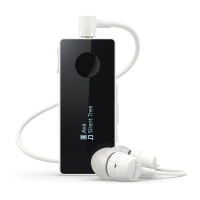
To pause or skip music tracks
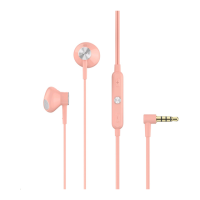
1 When listening to music, press the center button to pause the music track.
Press it again to resume.
2 Press the center button twice to skip to the next track.
3 Press the center button three times to restart the current song. To return to
the previous track press it three times again.
To start the voice search & actions
• Hold down the center button to start to talk to Google/Siri.
5
This is an internet version of this publication. © Print only for private use.


 To Next Page