Learning the basics
Wearing the headset
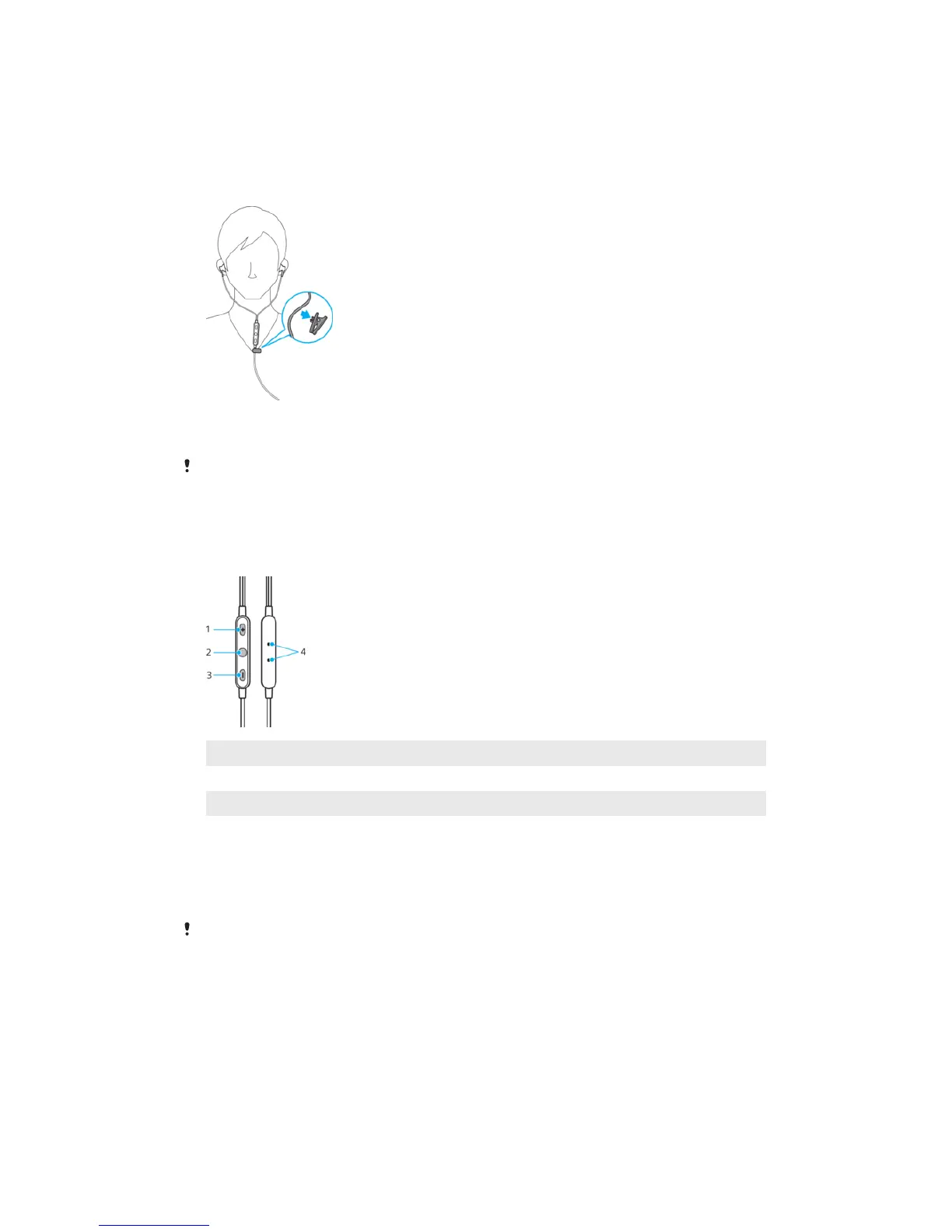
To wear the headset
• Attach the clip to the headset cord below the remote. Position the clip so
that you can speak into the microphone for taking calls hands-free, once the
headset is fastened to your clothes.
If you need to adjust the clip, remove the clip and reposition it on the cord.
Using the remote
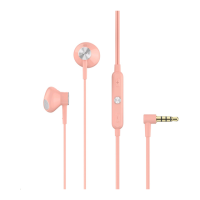
Remote overview
1
Volume +
2 Center button
3 Volume -
4 Microphone
To control the volume
1 Press the Volume + to raise the volume.
2 Press the Volume – to lower the volume.
If you are connected to an iOS device, adjust the volume directly on the iOS device. The
volume buttons on the remote control are only compatible with Android™ devices.
To answer or reject a call
1 To answer a call, press the center button. Press this again to end the call.
2 To reject a call, press and hold down the center button for one second.
4
This is an internet version of this publication. © Print only for private use.


 To Next Page