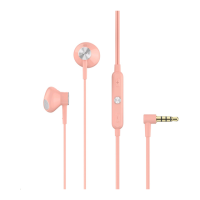
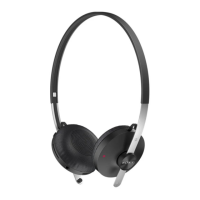
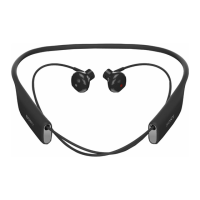
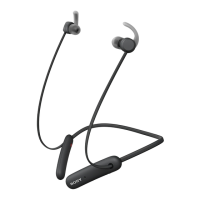
4 Microphone
To change the volume
• During a call or when listening to music, press or to increase or
decrease the volume.
If you are connected to an iOS device, adjust the volume directly on the iOS device. The
volume keys on the remote control are only compatible with Android™ devices.
Avoid using your headset on high volume, as this may cause permanent hearing damage or
disturb others around you.
To answer a call
• When you hear an incoming call signal, short press the multi-function key.
To reject a call
• When you hear an incoming call signal, long press the multi-function key.
To pause or skip music tracks
1 When listening to music, press the multi-function key to pause the music
track. Press it again to resume.
2 Press the multi-function key twice to skip to the next track.
3 Press the multi-function key three times to restart the current song. To return
to the previous track press it three times again.
To start the voice assistant
• Long press the multi-function key to start to talk to Google/Siri.
6
This is an internet version of this publication. © Print only for private use.



 To Next Page