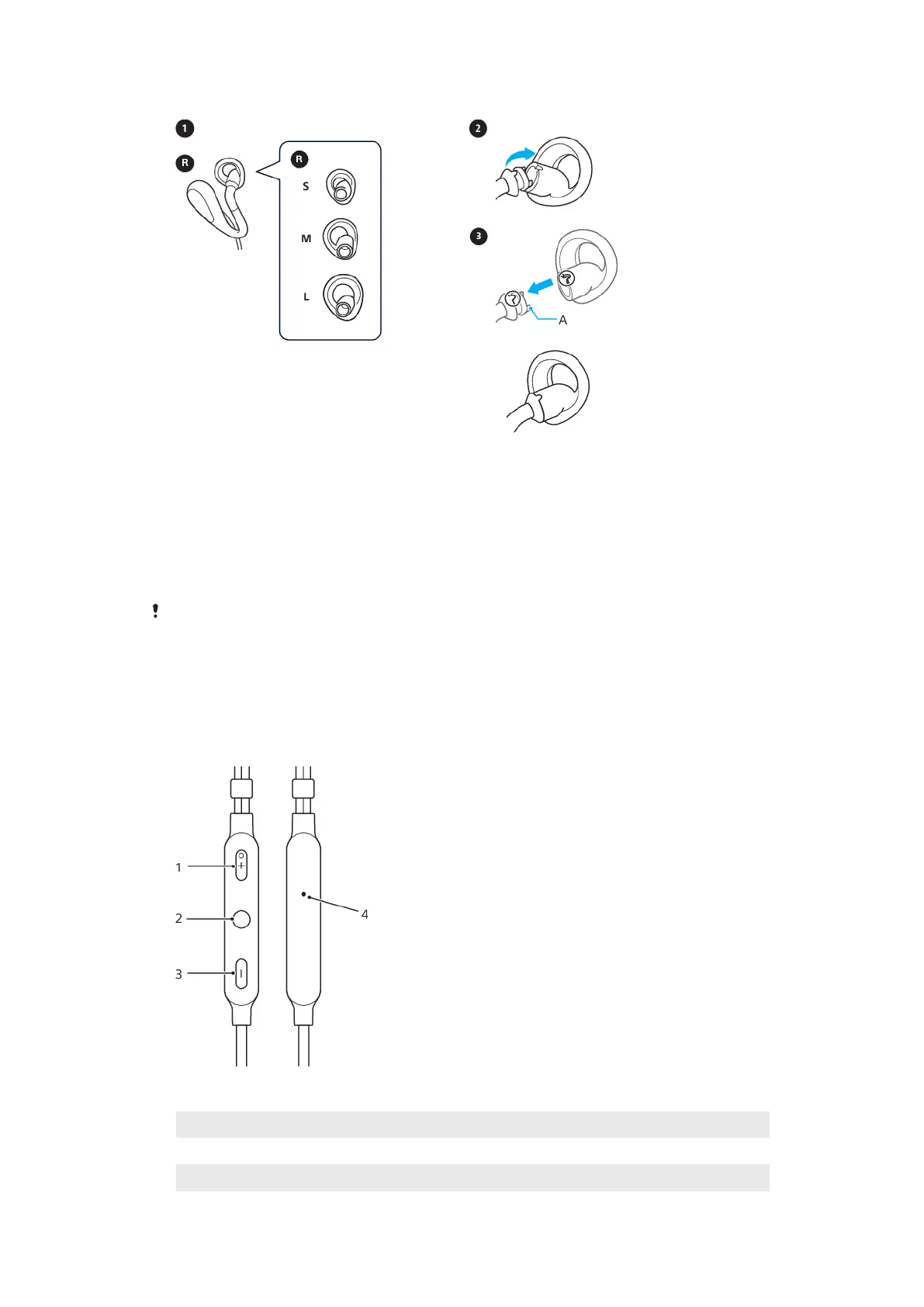
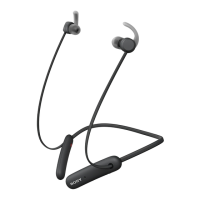
To change the ring supporter
1 Choose the ring supporter size that fits stably in your ear.
2 To remove the ring supporter, hold the headphone tightly and push the ring
supporter straight backward.
3 To attach the ring supporter, align the convex part of the headphone with
the concave part of the ring supporter.
4 When attaching, cover the hook A with the rubber of the ring supporter as
shown in the illustration. Make sure not to tear the ring supporter.
When removing or attaching the ring supporter, do not forcibly pull, push, or twist the ring
supporter, as this can damage or tear the ring supporter. When attaching, make sure the
right/left marks on the ring supporters match the marks on the headphones.
Using the remote
Remote overview
1
Volume +
2 Multi-function key
3 Volume -
5
This is an internet version of this publication. © Print only for private use.



 To Next Page