Help Guide
Multi Channel AV Receiver
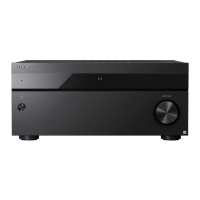
STR-AZ7000ES/STR-AZ5000ES/STR-AZ3000ES
Listening to Music on your PC via a Home Network
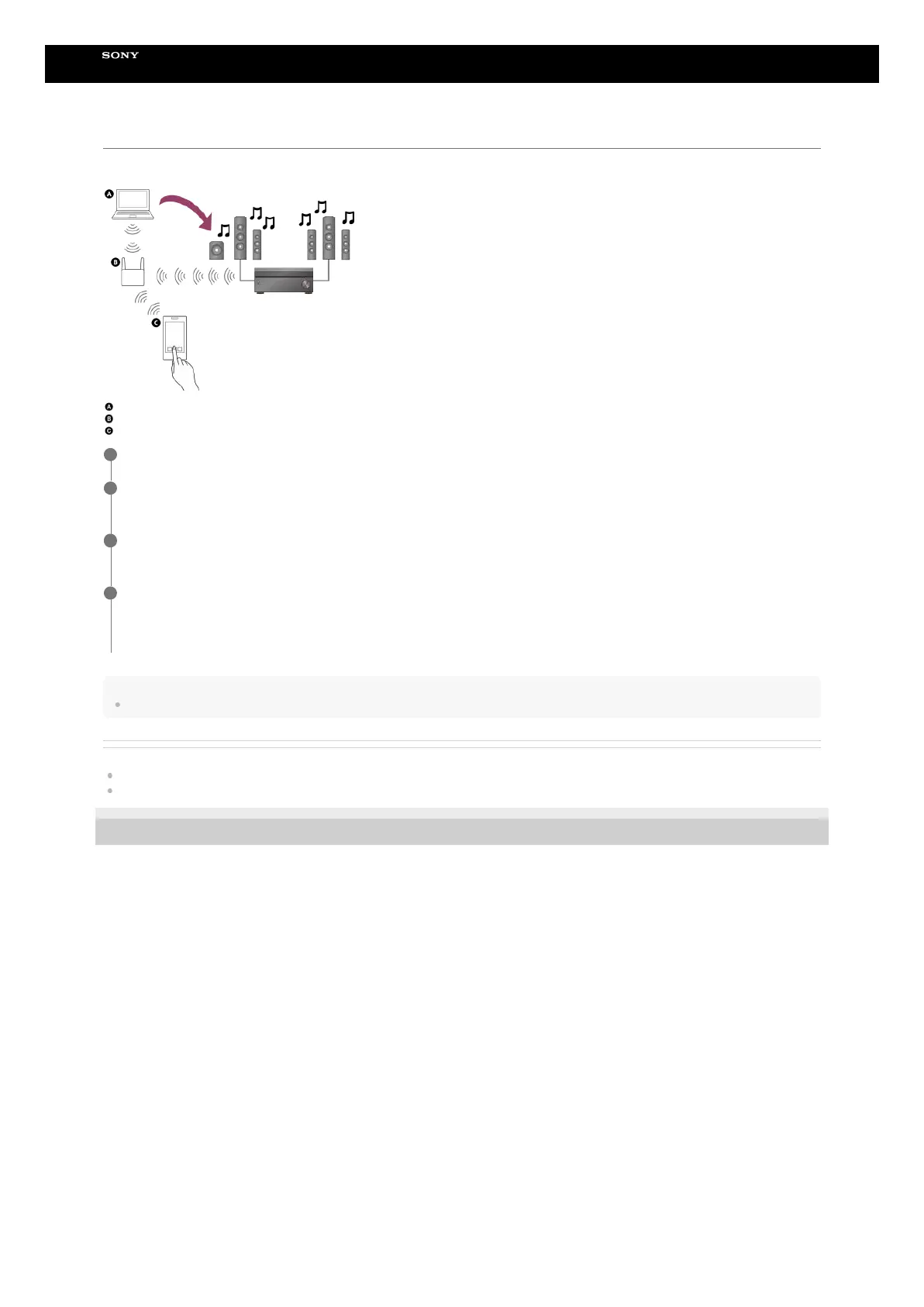
You can play music files stored on your PC via your home network.
Music files can be played by operating Sony | Music Center on a mobile device such as a smartphone or tablet.
PC
Wireless LAN router
Smartphone or tablet
Hint
See [Setup] - [Network Settings] - [Network Connection Status] when checking the network connection status.
Related Topic
Setting up a wireless LAN connection
Setting up a wireless network connection Using Sony | Music Center
5-037-021-11(1) Copyright 2022 Sony Corporation
Connect the receiver to a network.
1
Connect the PC to a network.
For details, refer to the operating instructions of the PC.
2
Set the PC.
To use the PC on your home network, you need to set the PC as the server. For details, refer to the operating instructions of the PC.
3
Listen to music on a PC by using Sony | Music Center.
You can play music files stored on the PC by operating Sony | Music Center that is installed to a mobile device such as a smartphone or tablet. For details of Sony | Music
Center, refer to the following URL.
https://www.sony.net/smcqa/
4





 To Next Page