25
EN
STR-AZ7000ES/STR-AZ5000ES/STR-AZ3000ES
5-037-019-11(1)
Using the menu on the TV screen
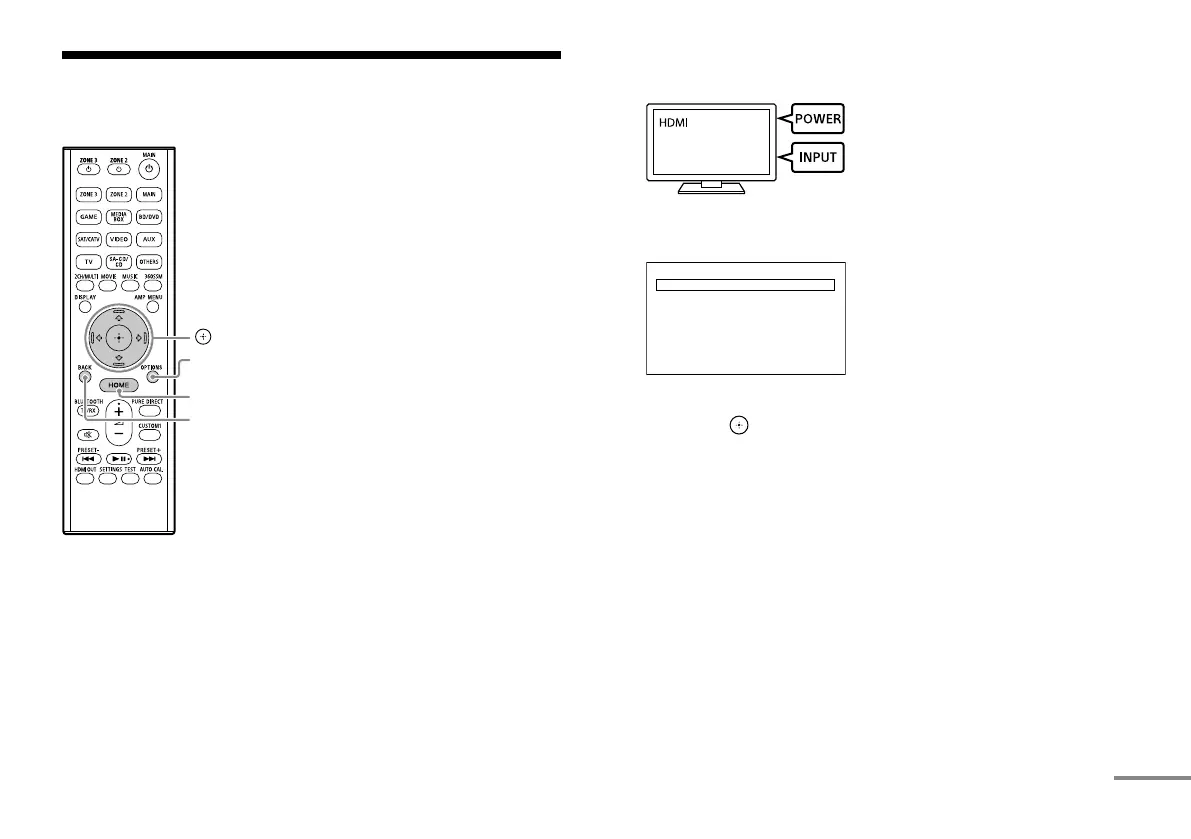
You can display the menu of the receiver on the TV screen.
HOME
BACK
OPTIONS
, ///
1 Turn on the TV, and then switch the input of the TV to which
the receiver is connected.
2 Press HOME.
The home menu is displayed on the TV screen.
Watch
Listen
Custom Preset
Sound Eects
Zone Controls
Setup
3 Press / repeatedly to select the menu you want to use, and
then press to enter the menu.
Home menu items
Watch:
Select to display video from the connected device.
Listen:
Select to listen to sound from the connected device.
Custom Preset:
Select to save various settings for the receiver and recall those
settings.
Sound Effects:
Select to enjoy sound effects.
Zone Controls:
Select to use the multi-zone features.
Setup:
Select to adjust the various settings for the receiver.
Software Update
*:
Select to update software.
continued









 To Next Page