Help Guide
Multi Channel AV Receiver
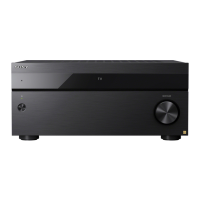
STR-AZ7000ES/STR-AZ5000ES/STR-AZ3000ES
Setting the low-pass filter for the subwoofer output (Subwoofer Low Pass Filter)
You can turn the low-pass filter for the subwoofer output on or off. You can set the function for each input to which an audio input jack is assigned independently. Turn the function on
if you connect a subwoofer without the crossover frequency function.
Note
This function does not work when [Direct] is being used and an analog input is selected.
5-037-021-11(1) Copyright 2022 Sony Corporation
Select [Setup] - [Audio Settings] from the home menu.
1
Select [Subwoofer Low Pass Filter].
2
Select the setting you want.
On: Always activates the low-pass filter with a cutoff frequency of 120 Hz.
Off: Does not activate the low-pass filter.
3




 To Next Page