Help Guide
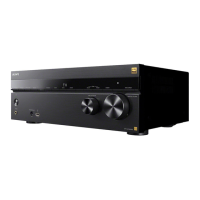
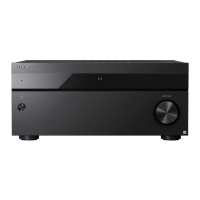
Multi Channel AV Receiver
STR-AZ7000ES/STR-AZ5000ES/STR-AZ3000ES
Synchronizing audio with video output (A/V Sync)
You can delay the output of audio to minimize the time gap between audio output and a visual display.
You can set the function for each input independently.
Note
The receiver may play signals at a lower sampling frequency than the actual sampling frequency of the input signals, depending on the audio format.
5-037-021-11(1) Copyright 2022 Sony Corporation
Select [Setup] - [Audio Settings] from the home menu.
1
Select [A/V Sync].
2
Select the setting you want.
HDMI Auto: The time gap between the audio output and visual display of a monitor connected via an HDMI connection will be adjusted automatically. This function is
available only when the monitor supports the [A/V Sync] function.
0 ms – 300 ms: You can adjust the delay from 0 ms to 300 ms in 10 ms intervals.
3





 To Next Page