User Guide
How to Use
Windows 8: The Basics
Parts Description
Setup
Network / Internet
Connections
Settings
Playback
Backup / Recovery
Security
Other Operations
Notifications
Troubleshooting
List of Topics
Print
Personal Computer
VAIO Fit 14E/15E SVF1421/SVF1521
Combinations and Functions with the Fn Key
Press and hold down the Fn key and another key simultaneously to perform a
keyboard shortcut action.
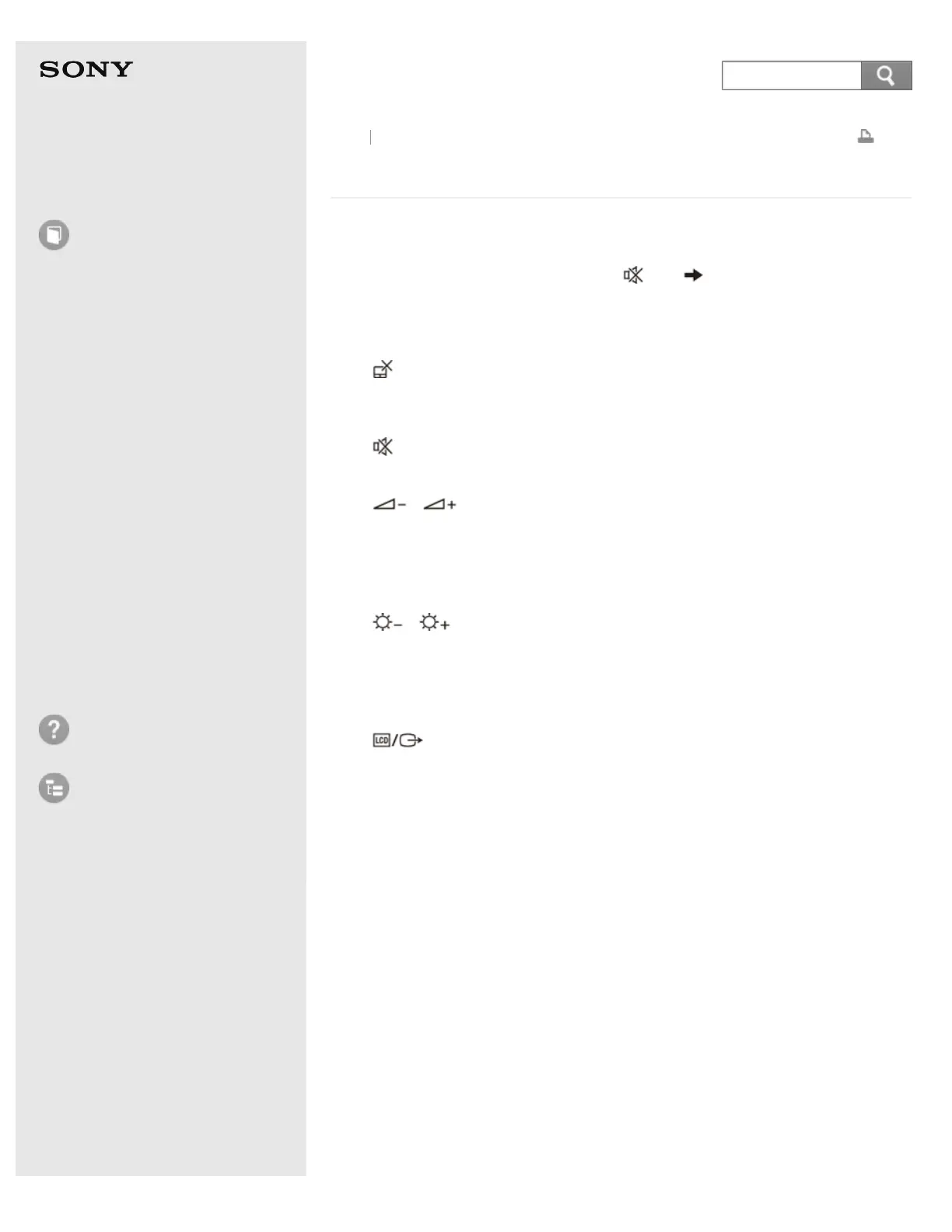
For example, to turn off the sound: Fn + (F2) Press and hold down the Fn
key, then press the F2 key.
Some keyboard functions can only be used while Windows is running.
Fn +
(F1)
Disables and enables the touch pad. See Enabling/Disabling the Touch Pad for
more information.
Fn +
(F2)
Turns on and off the built-in speakers or the headphones.
Fn +
/ (F3/F4)
Press the button repeatedly to adjust the volume level of the built-in speakers and
the headphones. See Adjusting the Speakers Volume for more information.
To decrease the volume, press the Fn+F3 keys.
To increase the volume, press the Fn+F4 keys.
Fn +
/ (F5/F6)
Press the button repeatedly to adjust the LCD brightness of your computer screen.
See Changing the LCD Brightness for more information.
To decrease lighting intensity, press the Fn+F5 keys.
To increase lighting intensity, press the Fn+F6 keys.
Fn +
(F7)
Switches the display output to an external display.
Press the Fn+F7 keys several times to select the desired display output
destination, and then press the Enter key to confirm. See Selecting Display Modes
for more information.
Fn + Num Lk (Num Lock)
Enables the keys on which numbers are printed as a numeric keypad to enter the
numbers. (Non numeric keypad equipped models)
Fn + Scr Lk (Scroll Lock)
Works differently depending on the apps you use. Refer to the help file included
with the app for more information.
Fn + Pg Up (Page Up)
Goes to the previous page. (Non numeric keypad equipped models)
Fn + End (End)
Moves the cursor to the end of a line or page. (Non numeric keypad equipped
models)
Fn + Pg Dn (Page Down)
Back
Back to Top










 To Next Page