To open the Start screen
Touch operation
Open the charms, then tap the
Start charm.
Mouse/Touch pad operation
Open the charms, then click the
Start charm.
Keyboard operation
Press the (Windows) key.
Opening the Charms
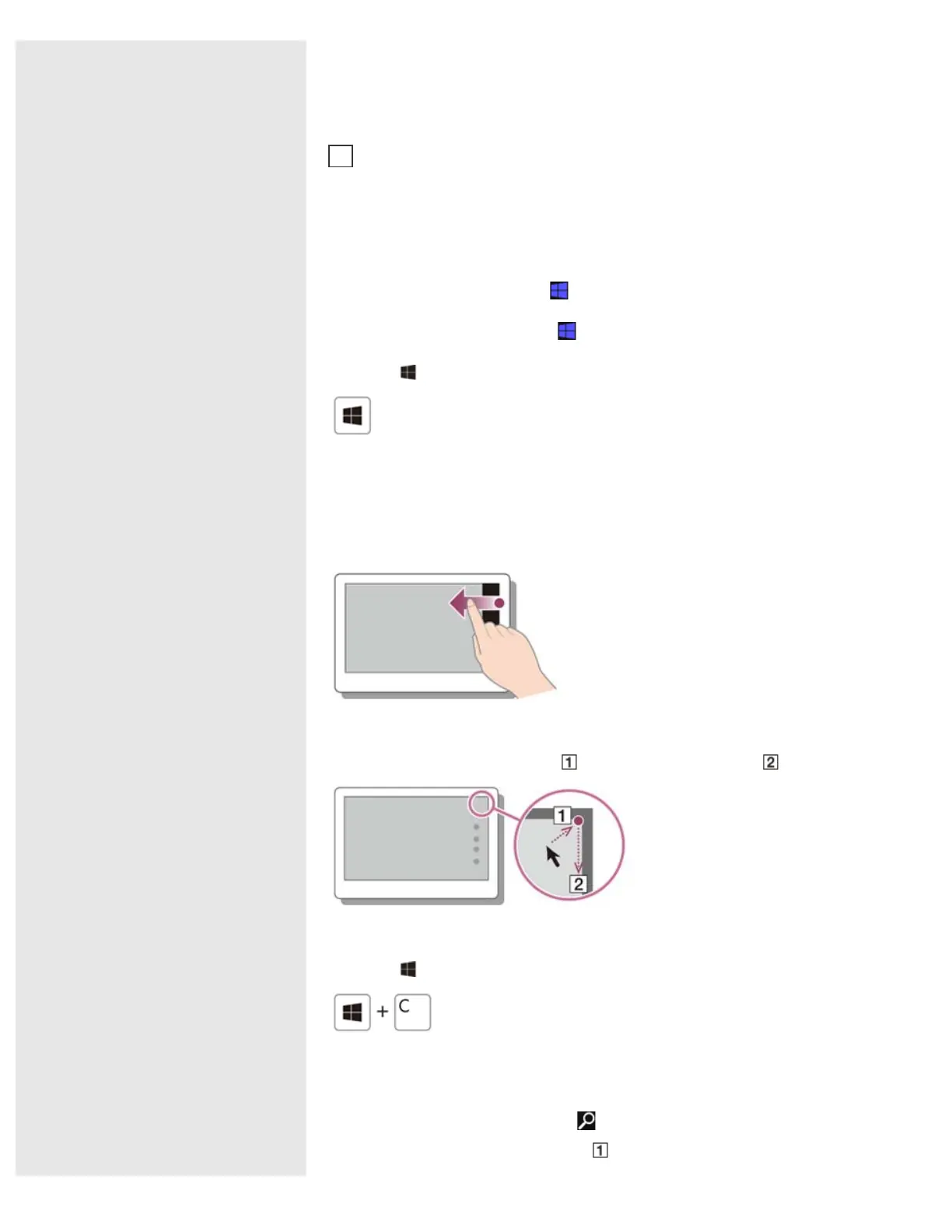
Touch operation
Swipe in from the right edge.
Mouse operation
Point to the upper-right corner ( ), then move downward ( ).
Keyboard operation
Press the
(Windows) key and the C key at the same time.
Searching/Starting Apps, Settings, or Files
1. Open the charms and select the Search charm.
2. Select Apps, Settings, or Files (
).
Tap a tile to start an app and personalize the
screen by adding and
rearranging tiles.
Mouse/Touch pad operation
Click a tile to start an app and personalize the Start screen by adding and
rearranging tiles.
Charms
Search for apps and files, share content, play content on other devices or
print, and set up your VAIO computer.
2










 To Next Page