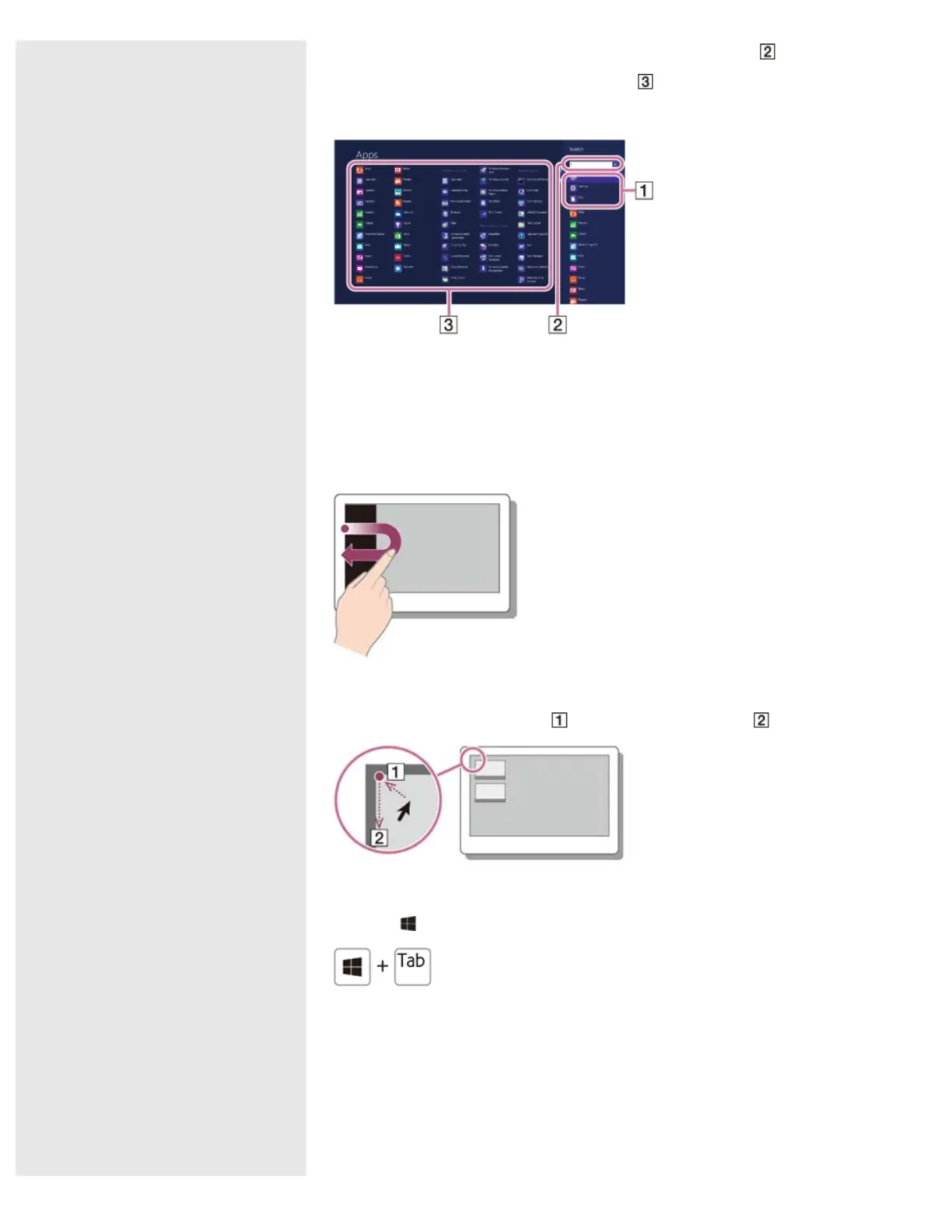
3. Enter a keyword (e.g.
) in the search box ( ).
4. Select your desired app, setting, or file (
).
Viewing Running Apps
Touch operation
Swipe in from the left edge until a small app icon appears. Then, drag the icon
back towards the left edge.
Mouse/Touch pad operation
Point to the upper-left corner (
), then move downward ( ).
Keyboard operation
Press the
(Windows) key and the Tab key at the same time.
Switching Apps
You can switch between apps that are currently running.
Touch operation
Display currently running apps, touch your desired app icon, and swipe in from the
left edge.
Mouse/Touch pad operation










 To Next Page