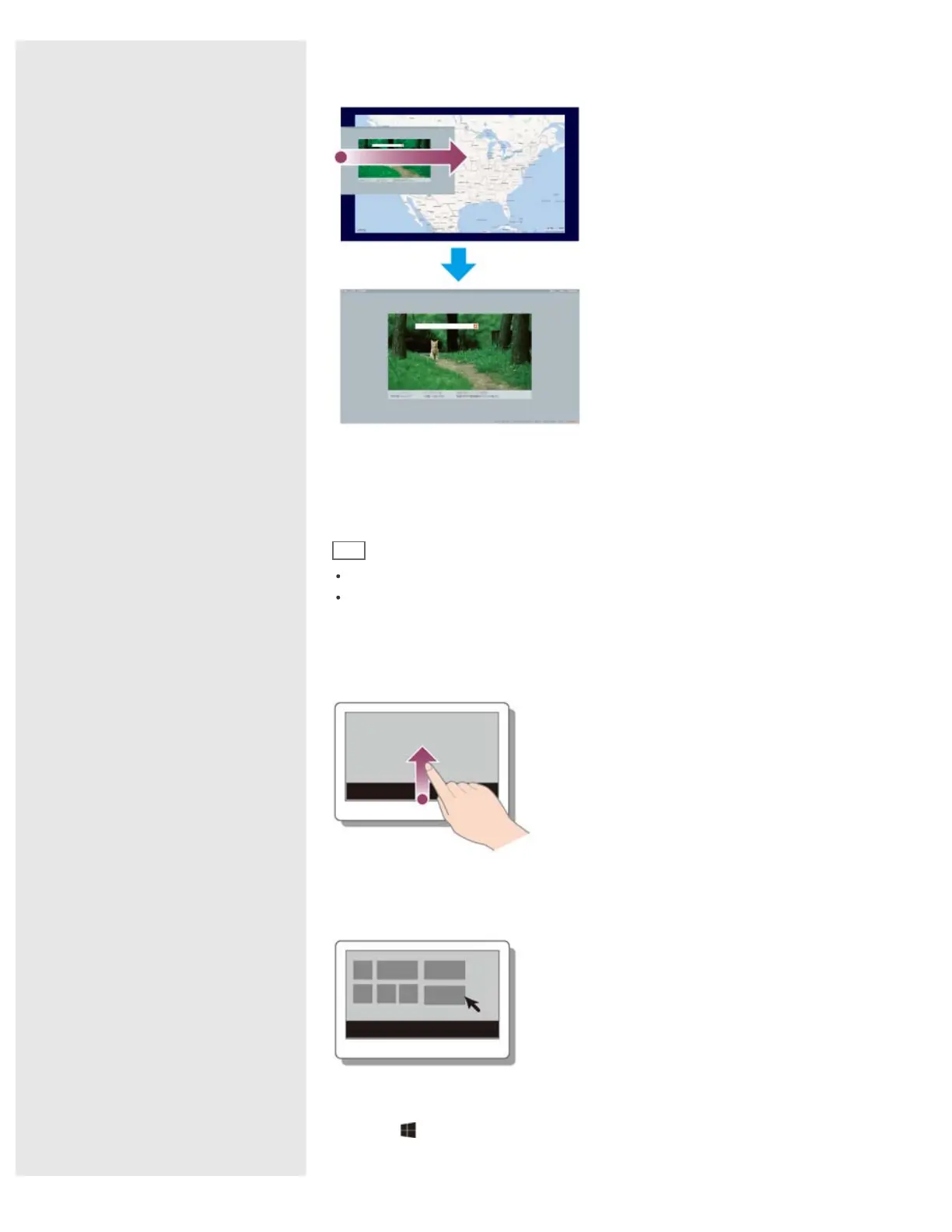
Display currently running apps and drag your desired app icon from the left edge
to the center.
Opening the Apps Menu
Many apps have app menus that you can use to control your app.
Follow the instructions below to open the app menu.
Hint
Open the app menu when an app is displayed on the computer screen.
App commands vary depending on the app that is currently displayed on the
computer screen.
Touch operation
Swipe up from the bottom edge.
Mouse/Touch pad operation
Right-click within an app.
Keyboard operation
Press the
(Windows) key and the Z key at the same time.










 To Next Page