Closing Apps
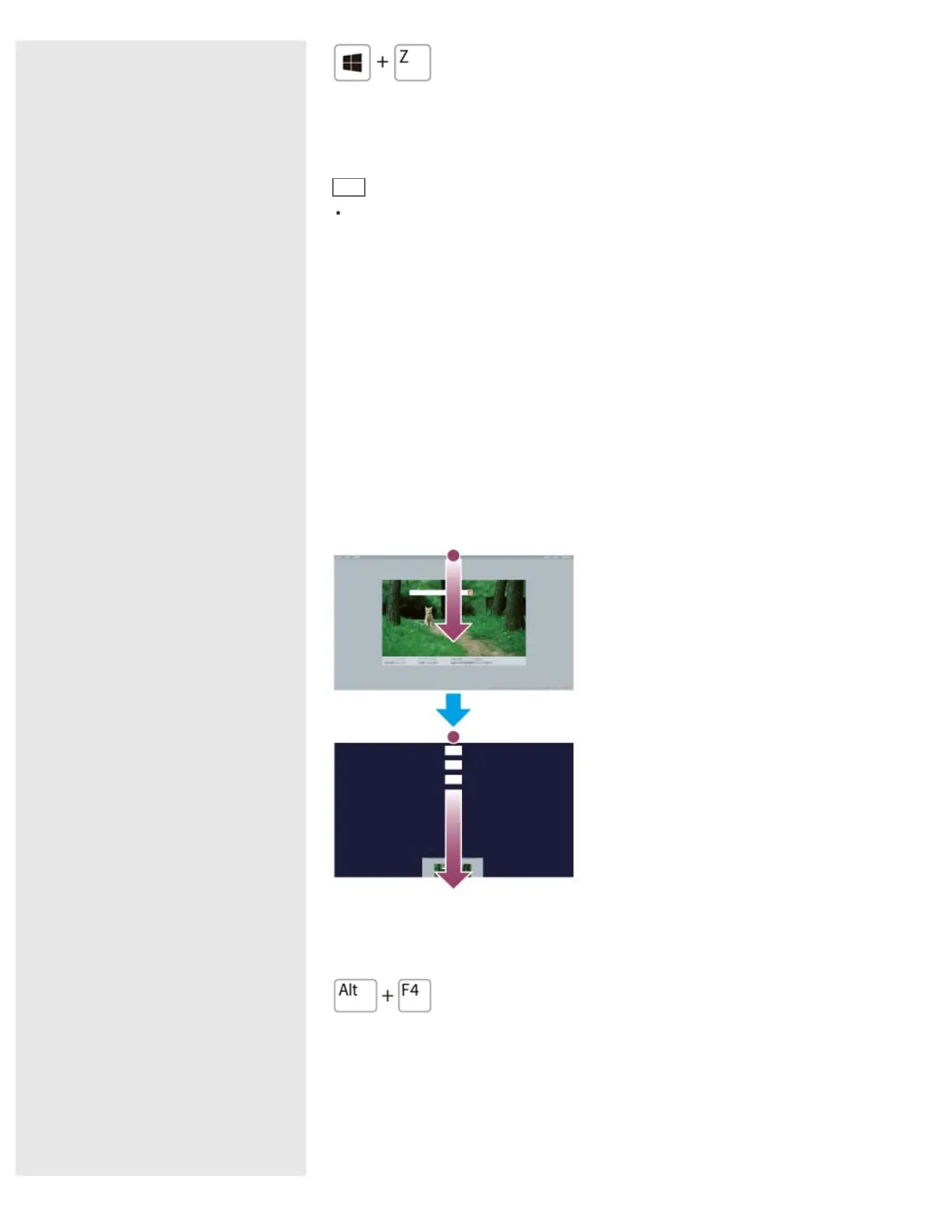
You can close currently running apps by following the instruction below.
Hint
The app window becomes smaller in the bottom of the screen.
Drag the window to the bottom-center edge.
Touch operation
1. When an app is open, point to the top-center of the screen.
2. Drag the app to the bottom of the screen until the app disappears from the
screen.
Mouse/Touch pad operation
1. When an app is open, move the cursor to the top-center of the screen until the
hand icon appears.
2. Drag the app to the bottom of the screen until the app disappears from the
screen.
Keyboard operation
Press the Alt key and the F4 key at the same time.
Installing Apps from Windows Store
You can add apps from Windows Store.
Internet connection is necessary to access Windows Store. You also need to sign
in with a Microsoft account.
On how to create and what you can do with the Microsoft account, refer to










 To Next Page