20
Additional Information
Specifications
CPD-100GS
Picture tube 0.25 mm aperture grille pitch
15 inches measured diagonally
90-degree deflection
Viewable image size Approx. 285 × 214 mm (w/h)
(11
1
/4 × 8
1
/2 inches)
14.0” viewing image
Resolution Horizontal: Max. 1280 dots
Vertical: Max. 1024 lines
Standard image area Approx. 270 × 202 mm (w/h)
(10
3
/4 × 8 inches)
or
Approx. 253 × 202 mm (w/h)
(10 × 8 inches)
Deflection frequency Horizontal: 30 to 70 kHz
Vertical: 50 to 120 Hz
Audio output 0.5W (mono)
Headphones jack Stereo minijack
Accepts impedance of 8 Ω or more
AUDIO IN jack Stereo minijack
AC input voltage/current
100 to 240 V, 50 – 60 Hz, 1.8 – 1.0 A
Power consumption Max. 110 W
Dimensions 368 × 392 × 384.5 mm (w/h/d)
(14
1
/2 × 15
1
/2 × 15
1
/4 inches)
Mass Approx. 14 kg (30 lb 14 oz)
Supplied accessories See page 6
CPD-200GS
Picture tube 0.25 mm aperture grille pitch
17 inches measured diagonally
90-degree deflection
Viewable image size Approx. 327 × 243 mm (w/h)
(12
7
/8 × 9
5
/8 inches)
16.0” viewing image
Resolution Horizontal: Max. 1280 dots
Vertical: Max. 1024 lines
Standard image area Approx. 312 × 234 mm (w/h)
(12
3
/8 × 9
1
/4 inches)
or
Approx. 293 × 234 mm (w/h)
(11
5
/8 × 9
1
/4 inches)
Deflection frequency Horizontal: 30 to 85 kHz
Vertical: 50 to 120 Hz
Audio output 0.5W (mono)
Headphones jack Stereo minijack
Accepts impedance of 8 Ω or more
AUDIO IN jack Stereo minijack
AC input voltage/current
100 to 240 V, 50 – 60 Hz, 1.9 – 1.1 A
Power consumption Max. 120 W
Dimensions 406 × 432 × 420 mm (w/h/d)
(16 × 17
1
/8 × 16
5
/8 inches)
Mass Approx. 18 kg (39 lb 11 oz)
Supplied accessories See page 6
Design and specifications are subject to change without
notice.
Self-diagnosis Function
This monitor is equipped with a self-diagnosis function. Use
this function if there is a problem with your monitor or
computer.
1 Disconnect the video input cable or turn off the
connected computer.
2 Turn the monitor off and on.
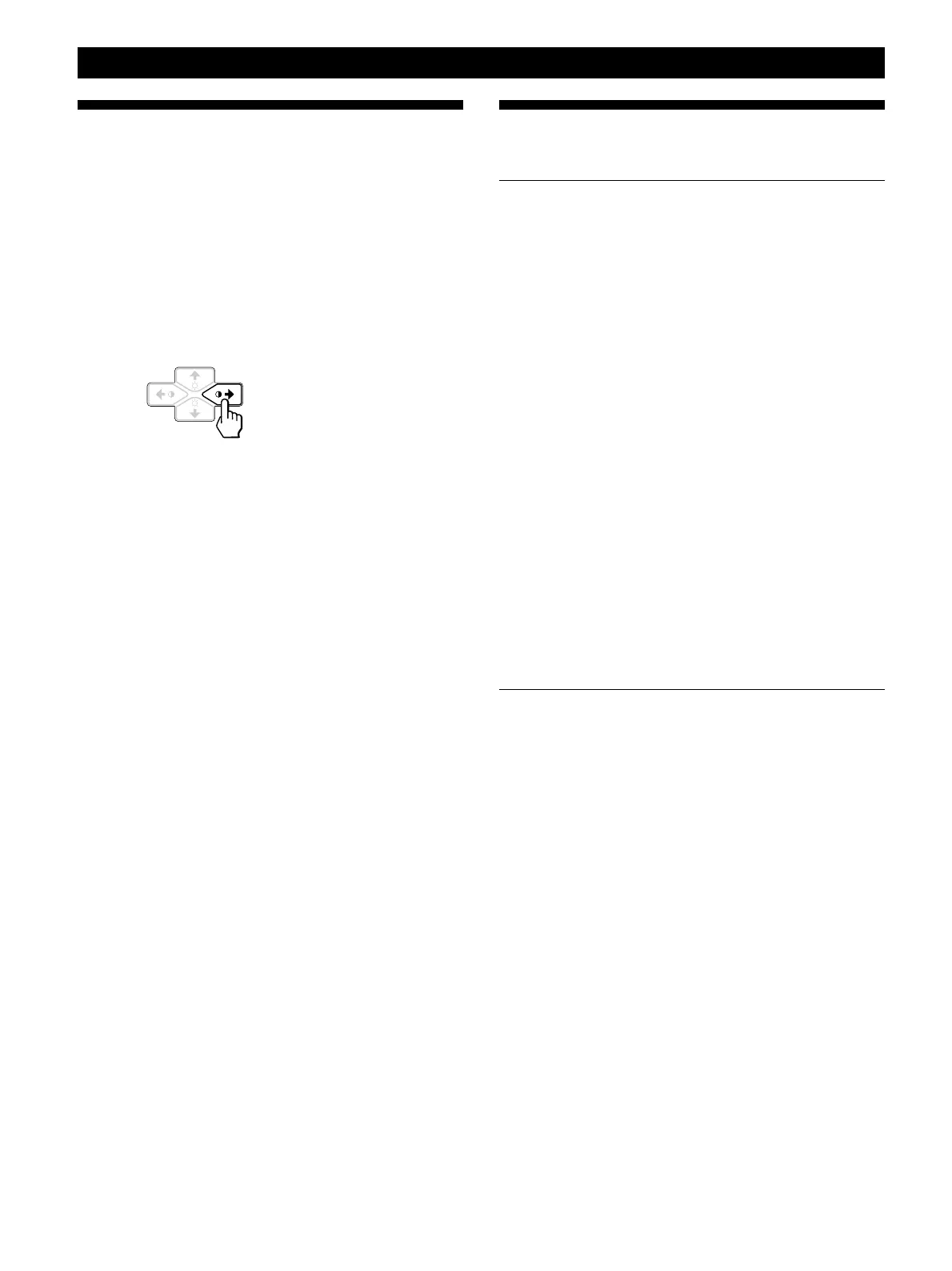
3 Press and hold the >/ button for 2 seconds.
If all four color bars appear (white, red, green, blue) after
a few seconds, the monitor is working properly but there
might be a problem with your computer. Contact your
computer’s manufacturer.
If the color bars do not appear, there is a potential
monitor failure. Inform your authorized Sony dealer of
the monitor’s condition.



 To Next Page