Watching the TV
Press
POWER
to
turn the TV
on.
Note
•
If
VIDEO
is on the screen,
press TV/VIDEO until
a channel number
appears.
Selecting
a Channel Directly
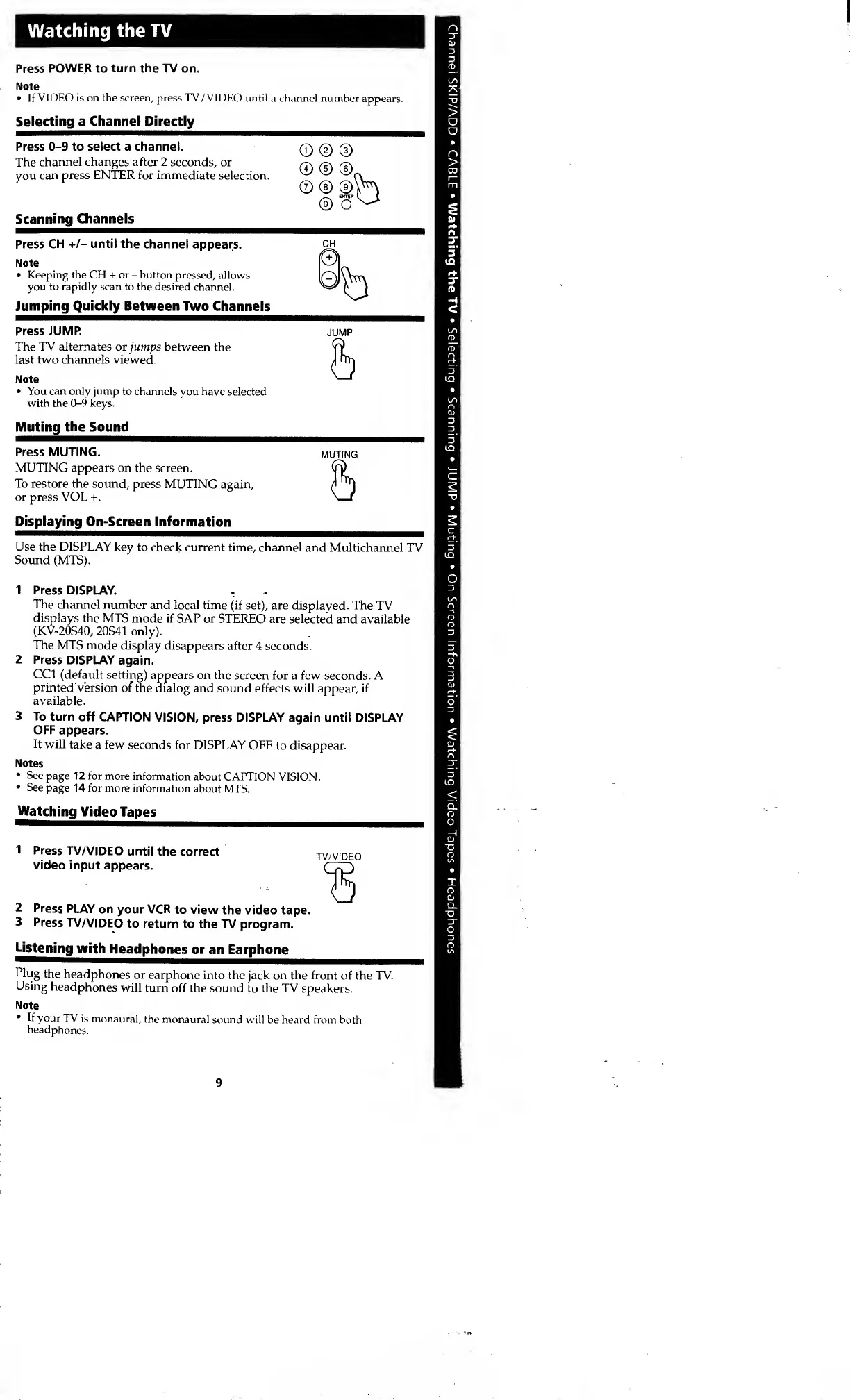
Press
0-9
to select a channel.
-
The
channel changes after 2 seconds,
or
you
can press ENTER for immediate
selection.
Scanning
Channels
© © ©
©©©„
©®©\H
©
Press
CH
+/-
until the
channel appears.
Note
•
Keeping
the CH + or
-
button pressed,
allows
you to
rapidly
scan to the desired
channel.
Jumping Quickly Between
Two Channels
Press
JUMP.
The TV alternates or jumps
between the
last two channels viewed.
Note
•
You
can only jump
to channels
you
have
selected
with the
0-9
keys.
Muting
the
Sound
JUMP
h
Press
MUTING.
MUTING
MUTING appears on the
screen.
To restore the sound,
press MUTING
again,
5or press VOL +.
Displaying On-Screen
Information
Use the DISPLAY
key to check current
time, channel
and Multichannel TV
Sound (MTS).
1 Press DISPLAY.
The
channel number
and local time
(if set), are displayed. The
TV
displays
the MTS
mode if SAP or
STEREO are selected
and available
(KV-20S40,
20S41 only).
The
MTS mode
display disappears
after 4 seconds.
2 Press
DISPLAY
again.
CC1 (default
setting)
appears on the screen
for a few seconds. A
printed" version
of the dialog
and sound
effects will appear, if
available.
3
To
turn
off CAPTION
VISION, press DISPLAY
again until DISPLAY
OFF
appears.
It
will
take a few
seconds for
DISPLAY OFF
to
disappear.
Notes
•
See
page 12 for
more information
about CAPTION
VISION.
•
See
page 14 for
more information
about
MTS.
Watching
Video
Tapes
Press
TV/VIDEO
until
the correct
video
input
appears.
TV/VIDEO
2 Press
PLAY
on
your VCR
to view
the video tape.
3 Press
TV/VIDEO
to return
to the
TV program.
Listening
with
Headphones
or
an Earphone
Plug
the
headphones
or
earphone
into the jack on the front
of the TV.
Using
headphones
will
turn off the
sound to the TV
speakers.
Note
If
your
TV is
monaural,
the monaural
sound
wi
headphones.
I be heard from both
9








 To Next Page