EasyManua.ls Logo

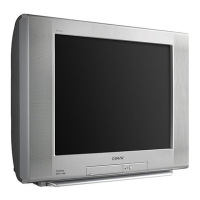
Sony Trinitron KV-27V42 - OPTIONS Menu Settings

Sony Trinitron KV-27V42
39 pages
Print Icon
To Next Page IconTo Next Page
To Previous Page IconTo Previous Page
Loading...
PENSE
a
ONT
Ee
ee
et
Pee
gets
t,
RT
Peg
Cg
Pe de
oy
ET
Ree
Sd
ee
Mh
Bee
fe
ee,
i
Using
the
Menus
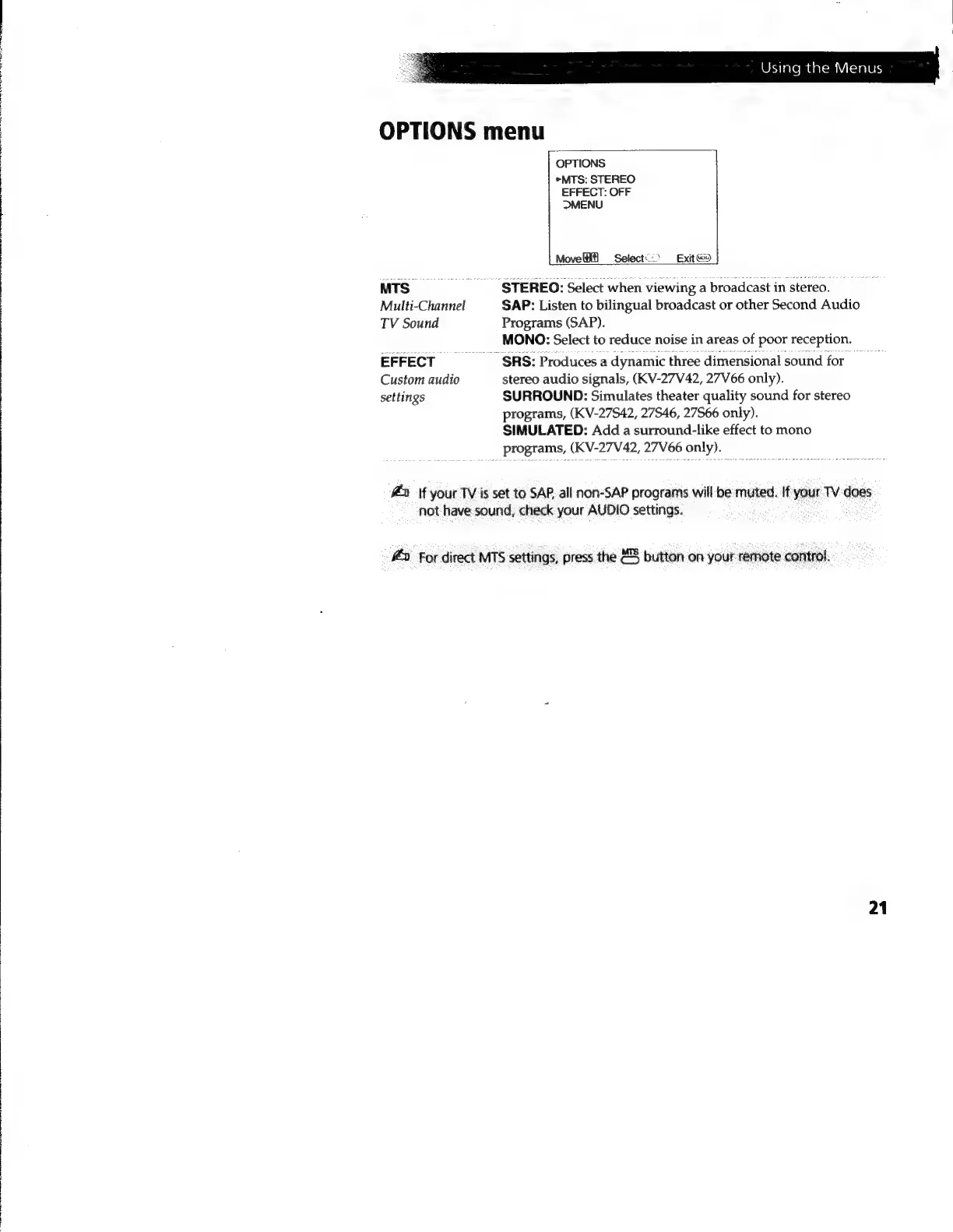
OPTIONS
menu
MTS.
Multi-Channel
TV
Sound
EFFECT
Custom
audio
settings
OPTIONS
>MTS:
STEREO
EFFECT:
OFF
MENU
Move
Select)
Exit
STEREO:
Select
when
viewing
a
broadcast
in
stereo.
SAP:
Listen
to
bilingual
broadcast
or
other
Second
Audio
Programs
(SAP).
MONO:
Select
to
reduce
noise
in
areas
of
poor
reception.
~
SRS:
Produces
a
dynamic
three
dimensional
sound
for
stereo
audio
signals,
(KV-27V42,
27V66
only).
SURROUND:
Simulates
theater
quality
sound
for
stereo
programs,
(KV-27S42,
27546,
27566
only).
SIMULATED:
Add
a
surround-like
effect
to
mono
programs,
(KV-27V42,
27V66
only).
#4»
if
your
TV
is
set
to
SAP.
all
non-SAP
programs
will
be
muted.
If
your
TV
does
not
have
sound,
check
your
AUDIO
settings.
#2
for
direct
MTS
settings,
press
the
“5
button
on
your
remote
control.
21