26
Additional Information
Specifications
TV system
B/G/H
Colour system
PAL, SECAM
NTSC 3.58, 4.43 (only Video In)
Channel coverage
See ‘Receivable Channels’ table on next page
Picture tube
KV-28FX20D:
FD Trinitron WIDE
Approx. 71 cm (28 inches) (Approx. 66 cm picture measured diagonally),
102° deflection
KV-32FX20D:
FD Trinitron WIDE
Approx. 82 cm (32 inches) (Approx. 76 cm picture measured diagonally),
102° deflection
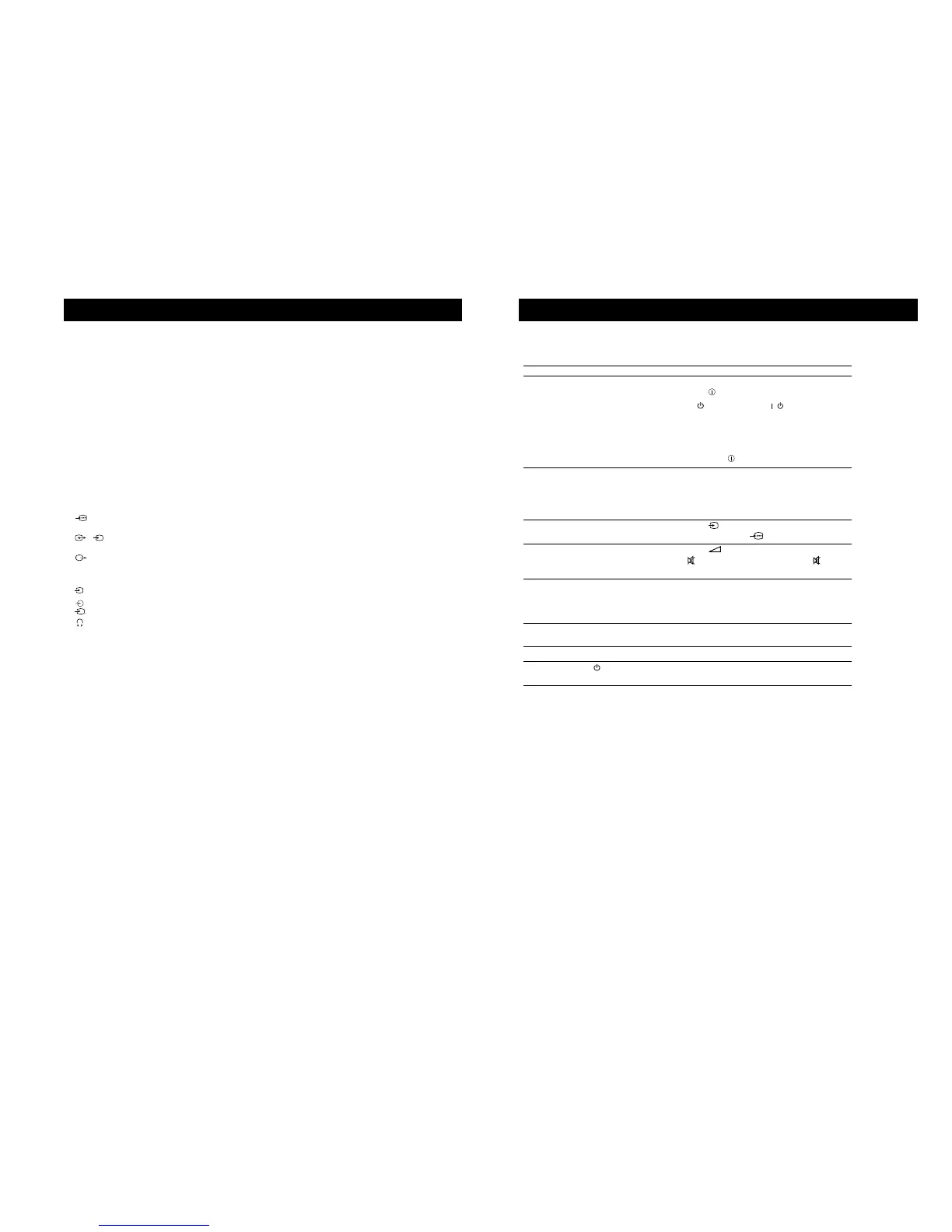
Rear Terminals
1
21-pin Euro connector (CENELEC standard) including audio/video
input, RGB input
2
/
s
2
21-pin Euro connector (CENELEC standard) including audio/video
input, S-video input, Monitor audio/video output
Audio outputs - phono jacks
Front Terminals
3
video input - phono jack
3
audio inputs - phono jacks
s
S video input - 4 pin DIN
Headphones jack - minijack stereo
Sound output:
Left, Right 2x20W (music power)
Subwoofer 20W (music power)
Power consumption
KV-28FX20D: 123 W
KV-32FX20D: 120 W
Dimensions (wxhxd)
KV-28FX20D: Approx. 761 x 496 x 525 mm
KV-32FX20D: Approx. 874 x 563 x 571 mm
Weight
KV-28FX20D: Approx. 44.0 kg
KV-32FX20D: Approx. 62.0 kg
Accessories supplied
RM-887 Remote Control (1)
IEC designated size AA battery (2)
Other features
TELETEXT
Design and specifications are subject to change without notice.
28
Troubleshooting
Additional Information
Problem Solution
No picture (screen is dark), • Plug the TV in.
no sound • Press the button on the front of TV.
• If the indicator
is on press
/
button or a
programme number
button on the remote control.
• Check the aerial connection.
• Check that the selected video source is on.
• Turn the TV off for 3 or 4 seconds and then turn it on
again using the button on the front of the TV.
Poor or no picture (screen is dark), • Using the MENU system, select the Picture
but good sound. Control and Picture Mode displays. Adjust the
contrast, brightness, and colour levels.
• From the Picture Control display select RESET to
return to factory settings.
Poor picture quality when watching • Press the button repeatedly on the remote control
a RGB video source. until the RGB symbol is displayed on the screen.
Good picture, no sound • Press the +/– button on the remote control.
• If is displayed on the screen, press the button
on the remote control.
No colour on colour programmes • Using the MENU system, select the Picture Mode
display. Adjust the the colour level setting.
• From the Picture Control display select RESET to
return to factory settings.
Distorted picture when changing • Turn off any equipment connected to the 21 pin
programmes or selecting teletext Euro connectors on the rear of the TV.
Remote control does not function • Replace the batteries.
The standby indicator on the TV • Contact your nearest Sony service centre.
flashes
• If you continue to have these problems, have your TV serviced by qualified personnel.
• NEVER open the casing yourself.
Here are some simple solutions to problems which may affect the picture and sound.








 To Next Page