EasyManua.ls Logo

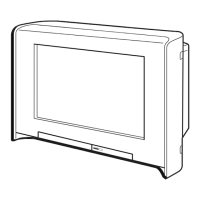
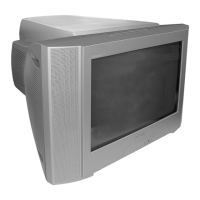
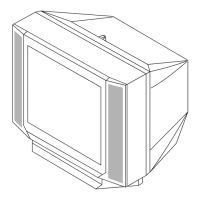
Sony TRINITRON KV-HF51P50 - User Manual

Sony TRINITRON KV-HF51P50
97 pages
Print Icon
To Next Page IconTo Next Page
Loading...
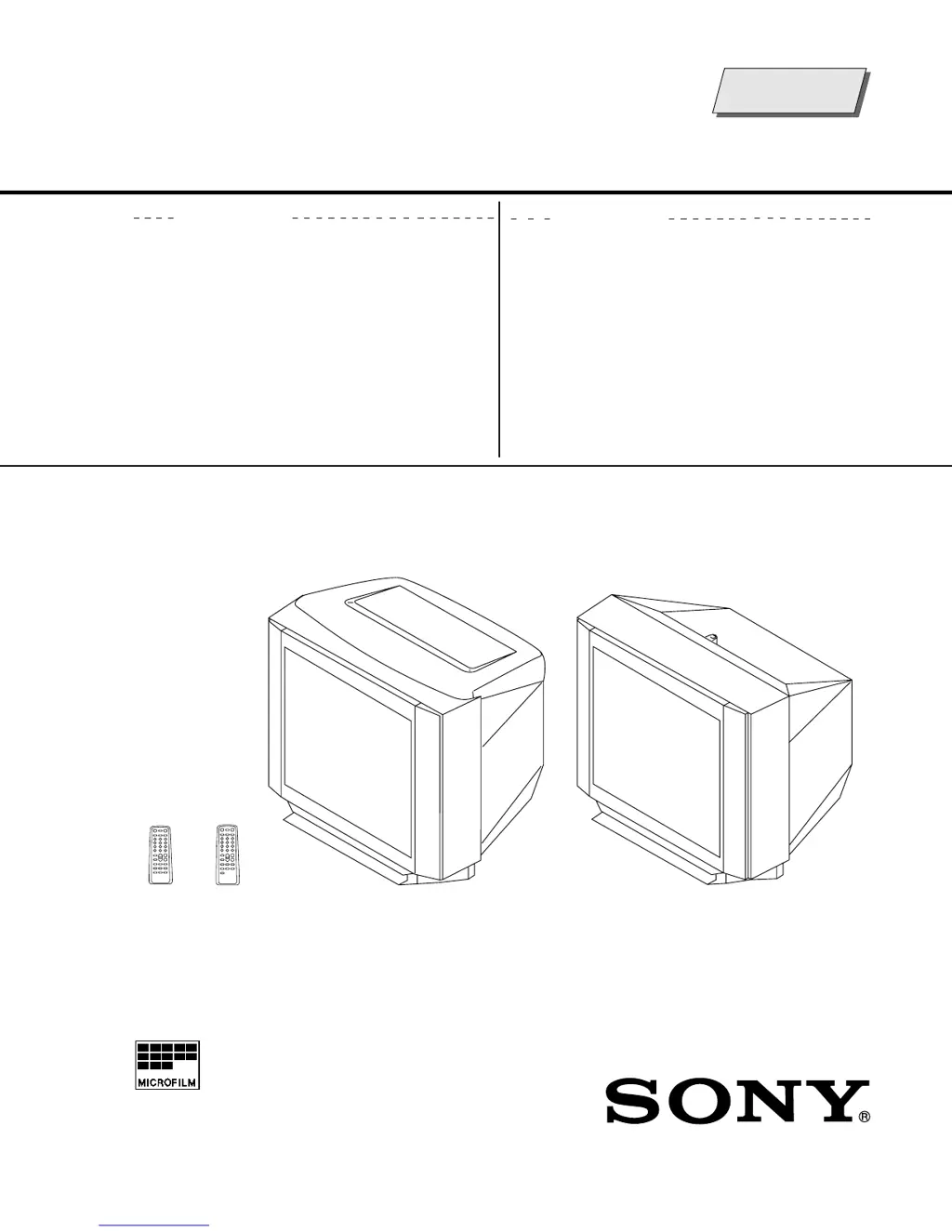
MODEL COMMANDER DEST. CHASSIS NO.
KV-HF51P50
RM-952 Indonesia SCC-U20K-A
KV-XF21M80
RM-952 E SCC-U13C-A
KV-XF21M80
RM-952 ME SCC-U16W-A
KV-XF21M80
RM-952 Vietnam SCC-U28A-A
KV-XF21M83
RM-952 Vietnam SCC-U28B-A
KV-XF21N90
RM-915 Taiwan SCC-P13D-A
KV-XF51M65
RM-952 Indonesia SCC-U20F-A
MODEL COMMANDER DEST. CHASSIS NO.
CHASSIS
TRINITRON
®
COLOR TV
SERVICE MANUAL
BG-3S
Self Diagnosis
Supported model
HF51RM-915 RM-952
XF21

Questions and Answers

  • O
    ojonesJul 30, 2025
    How to fix no sound on my Sony TV?
    • A
      Adam FrederickJul 30, 2025
      If there is no sound on your Sony TV, first ensure that the volume level isn't too low by pressing the Volume Up button (+). Also, check if the TV is muted and, if so, press the mute button (¤) to restore the sound. Local interference from devices like hair dryers can also cause sound issues, so avoid using such equipment near the TV.
  • H
    holtemilyAug 10, 2025
    What to do if my Sony TRINITRON KV-HF51P50 has no picture?
    • A
      angelamillsAug 10, 2025
      If your Sony TV screen is blank, make sure the power cord, antenna, and any VCR connections are properly connected. If all connections are secure, try turning off the TV using the main power button (U) on the TV itself for about five seconds, and then turn it back on.
  • K
    Kristy MaddenAug 20, 2025
    Why does my Sony TRINITRON KV-HF51P50 TV have double images or ghosts?
    • B
      burtonscottAug 20, 2025
      Double images or ghosts on your Sony TV can be caused by broadcast signals being reflected off nearby mountains or buildings. Try adjusting the antenna direction to minimize interference. Also, ensure that a booster is not causing the issue by turning it off or disconnecting it. The magnetic disturbance from external speakers or other equipment, or the direction of the earth’s magnetic field may also affect the TV. Locate the TV away from external speakers or other equipment. Consider using a highly directional antenna.

Summary

TV Specifications

KV-HF51 P50 Specifications

Technical specifications for the KV-HF51P50 television model.

KV-XF21 M80;XF21 M83;XF51 M65 Specifications

Technical specifications for the KV-XF21M80, KV-XF21M83, KV-XF51M65 models.

KV-XF21 N90 Specifications

Technical specifications for the KV-XF21N90 television model.

Self-Diagnostic Function

Diagnostic Test Indicators

Explains STANDBY/TIMER lamp flashes as diagnostic codes for troubleshooting.

Display and Handling of Results

How to view, manage, and clear self-diagnosis results and screen displays.

Basic TV Operation

Getting Started and Connections

Initial setup, connecting antenna, VCR, and optional components.

Watching TV and Additional Tasks

Basic TV viewing, additional functions, and display language settings.

Channel Management

Presetting and Skipping Channels

Procedures for automatically and manually tuning channels, plus skipping programs.

Favorite Channels Setup

How to select and change favorite channels for quick access.

Picture and Sound Customization

Fine Tuning and Color Settings

Adjusting fine tuning, color system, and picture distortion for optimal display.

Picture, Sound Modes, and Surround

Selecting picture/sound modes and adjusting surround sound for an enhanced experience.

Setting Timers

Instructions for setting the Wake Up and Sleep timers for automatic TV operation.

TV Security and Teletext

Blocking Channels (Child Lock)

How to prevent unauthorized viewing of specific channels using the child lock feature.

Viewing Teletext

Accessing and viewing Teletext broadcasts for information services.

Troubleshooting and Maintenance

Troubleshooting Common Issues

Addresses common problems like snowy pictures, noisy sound, and no image/audio.

Disassembly Procedures

Step-by-step instructions for disassembling TV components like covers, chassis, and boards.

Setup and Circuit Adjustments

Guides for beam landing, convergence, focus, white balance, and circuit adjustments.

Diagrams and Parts Identification

Identifying Parts and Controls

Identifies TV parts, controls, and remote buttons.

Block and Exploded Diagrams

Technical diagrams illustrating TV circuits and exploded views of assemblies.

Electrical Parts List

Comprehensive list of electrical components for various TV models.

Remote Control

Remote Control Functions

Explains the purpose of each button on the remote control.

Sony TRINITRON KV-HF51P50 Specifications

General IconGeneral
Display TypeCRT
Resolution480i
Aspect Ratio4:3
Weight68 kg
Video InterfaceComposite, S-Video, Component
Audio InterfaceRCA
Speakers2
InputsComposite, S-Video, Component

Related product manuals