6 (GB)
Horizontal/vertical delay mode
The horizontal and vertical sync signals can be
monitored simultaneously in the H/V delay mode.
Auto/manual degaussing
The CRT is automatically degaussed when the power
is turned on. You can manually degauss the CRT by
pressing the DEGAUSS button.
In the menu, you can set the time to automatically
degauss after turning on the power.
Note
The DEGAUSS button is disabled when the screen
menu is being displayed.
To manually degauss the CRT, exit the screen menu
by pressing the MENU button.
On-screen menus
You can set color temperature, CHROMA set up, and
other settings by using the on-screen menus.
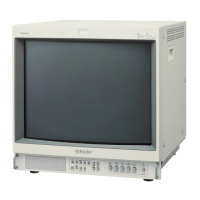
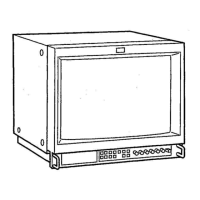
EIA 19-inch rack mount bracket available
The monitor may be mounted on an EIA-standard 19-
inch rack, using an optional mounting bracket MB-521
(for PVM-14L3 and PVM-14L4) or slide rail SLR-104
(for PVM-20L4).
For details on mounting the monitor on the rack, refer to the
Operating Instructions of the mounting bracket or slide rail.
Features









 To Next Page
