15
4
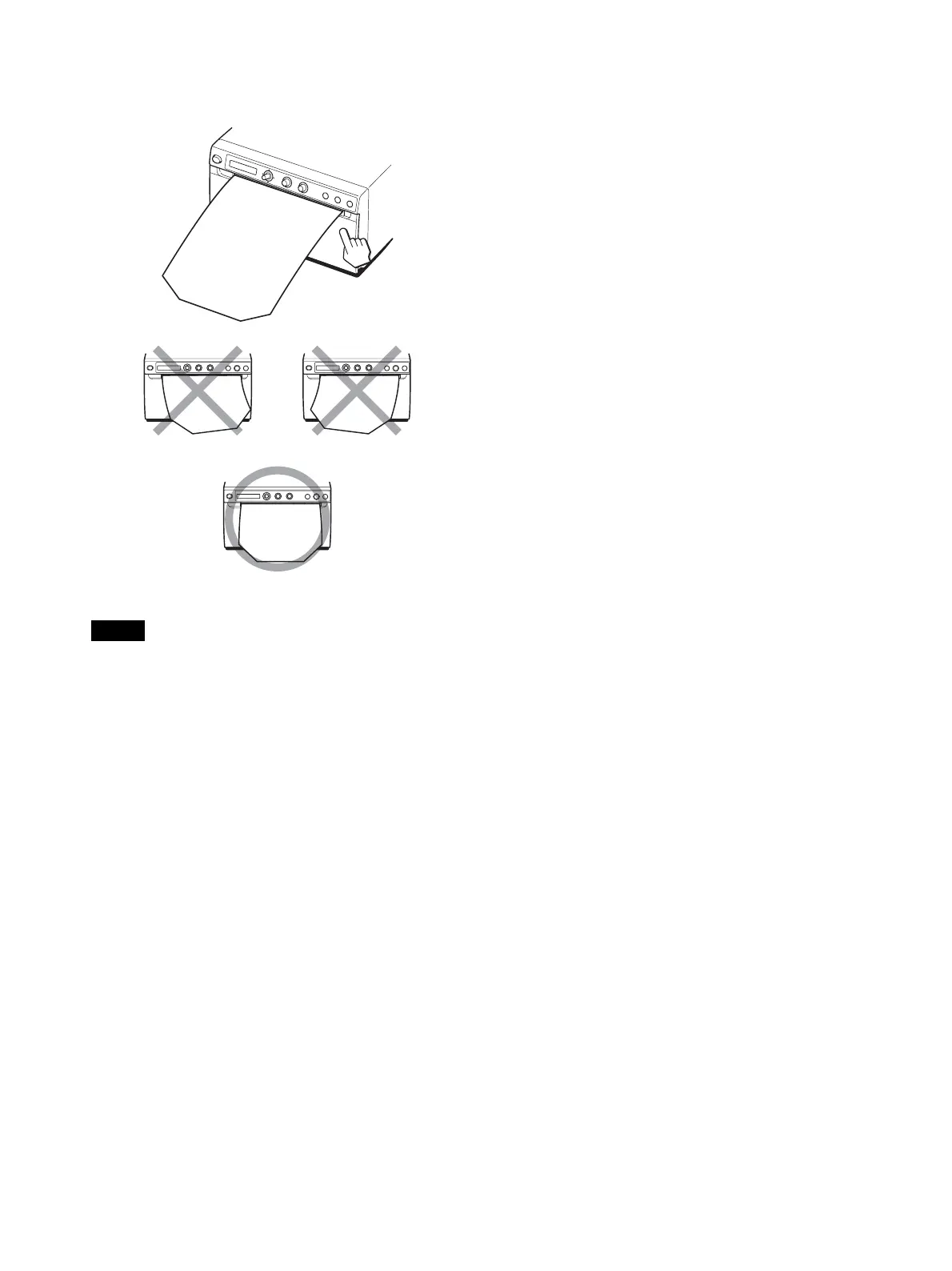
Close the door panel by pushing it.
Notes
• Make sure that the paper is loaded straight. If it is
skewed, this could cause the paper to jam.
• If you did not pull out enough paper in step 3, press the
FEED button to feed some more paper out of the unit
without pulling out the paper.



 To Next Page