14
nN
Getting Started >
Locating Controls and Ports
Location List of Controls and Ports without Marks
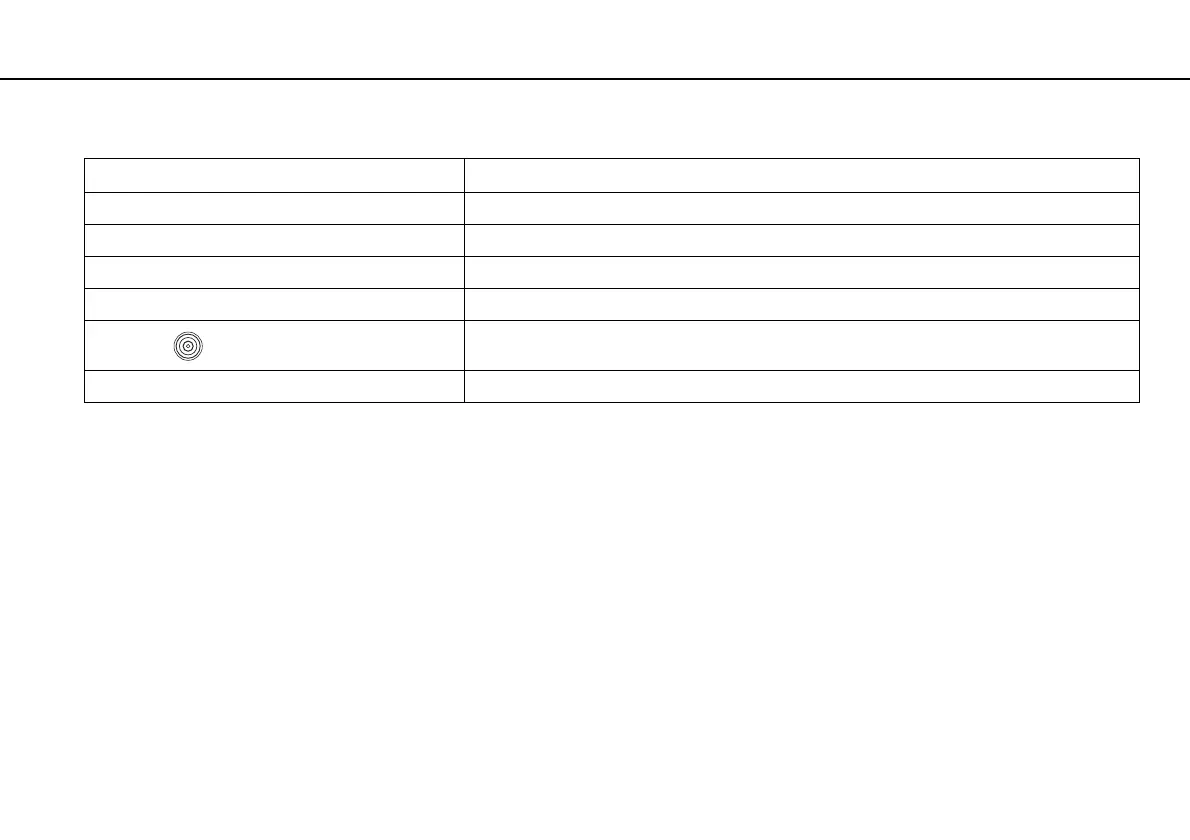
Control/port name Location
Optical disc drive (page 38) Located on the right side of the computer.
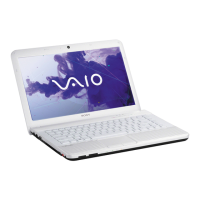
Built-in microphone (monaural) Located on the left side of the built-in MOTION EYE camera.
Media Access indicator (page 15) Located between the "Memory Stick Duo" slot and the SD memory card slot.
Security slot Located on the right end on the right side of the computer.
DC IN port
Located on the left end on the left side of the computer.
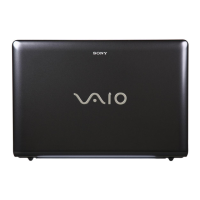
Memory module compartment cover (page 86) Located on the bottom of the computer.







 To Next Page