13
nN
Getting Started >
Locating Controls and Ports
Locating Controls and Ports
Take a moment and see the following reference lists to identify the controls and ports on your computer.
!
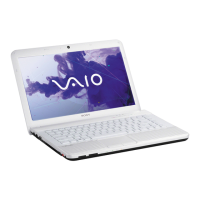
The appearance of your computer may be different from those illustrated in this manual due to variations in specifications.
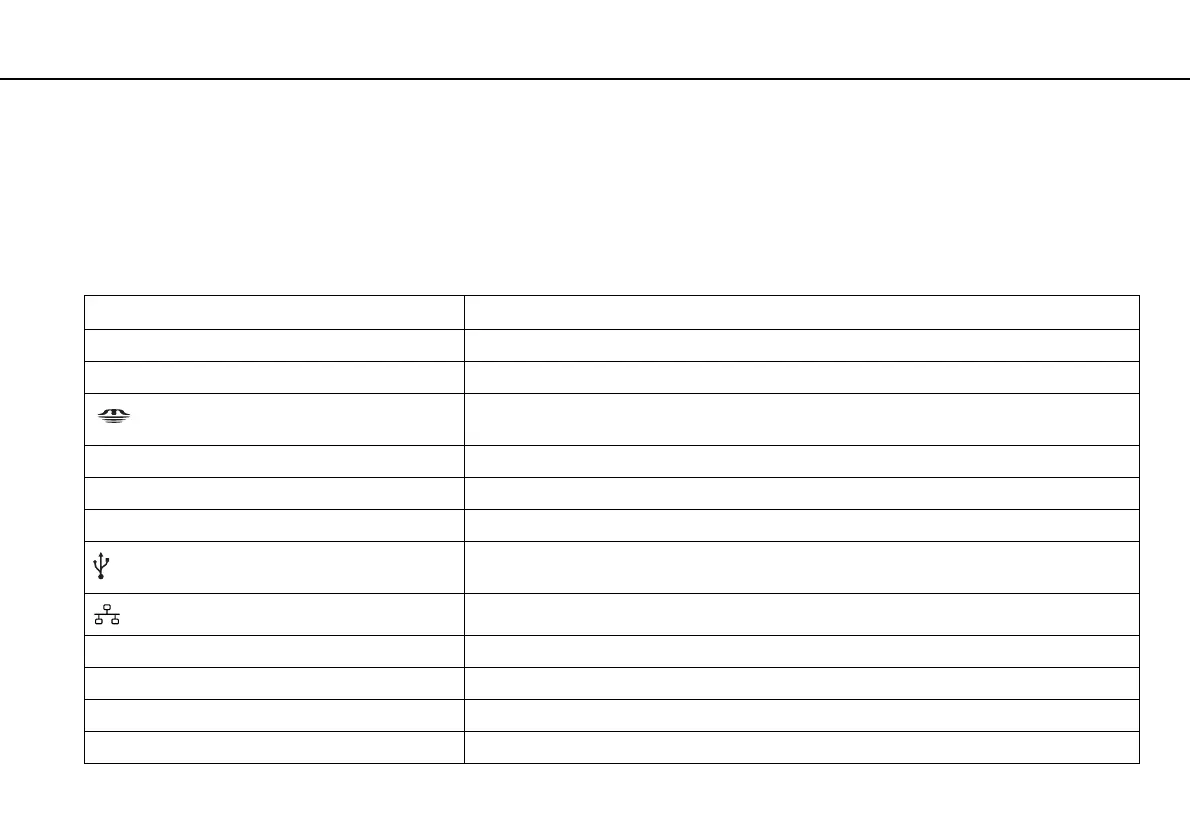
Control and Port Mark List
Control/port mark Control/port name
MOTION EYE Built-in MOTION EYE camera (page 37)
WIRELESS WIRELESS switch (page 56), (page 60)
"Memory Stick Duo" slot (page 44)
Your computer supports only Duo-size "Memory Stick".
SD SD memory card slot (page 50)
1 Power button
ASSIST ASSIST button (page 36)
USB port (page 74)
Compliant with the USB 2.0 standard and supports high-/full-/low- speeds.
Network (LAN) port (page 55)
a Monitor port (page 68)
HDMI HDMI port (page 70)
m Microphone jack (page 73)
i Headphones jack (page 66)







 To Next Page