22
The Screen Menu
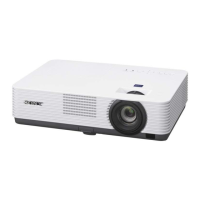
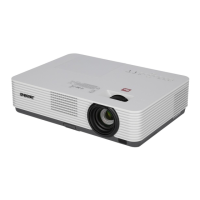
VPL-DW127
*1: If you select “Normal,” the image is
projected in the same resolution as the
input signal without changing the aspect
ratio of the original image.
*2: If you select “Full2,” the image is projected
to fit the projected image size, regardless
of the aspect ratio of the image.
*3: If you adjust the projected image position
using an image with 16:9 aspect ratio and
then switch the input source to 4:3 image,
the top and bottom edge of the image may
be hidden. In this case, select “Full3.”
*4: Depending on the input signal, the
projected image may be projected as
illustrated below. In this case, select
“16:9.”
*5: Depending on the input signal, the image
may be projected as illustrated below. In
this case, select “Zoom.”
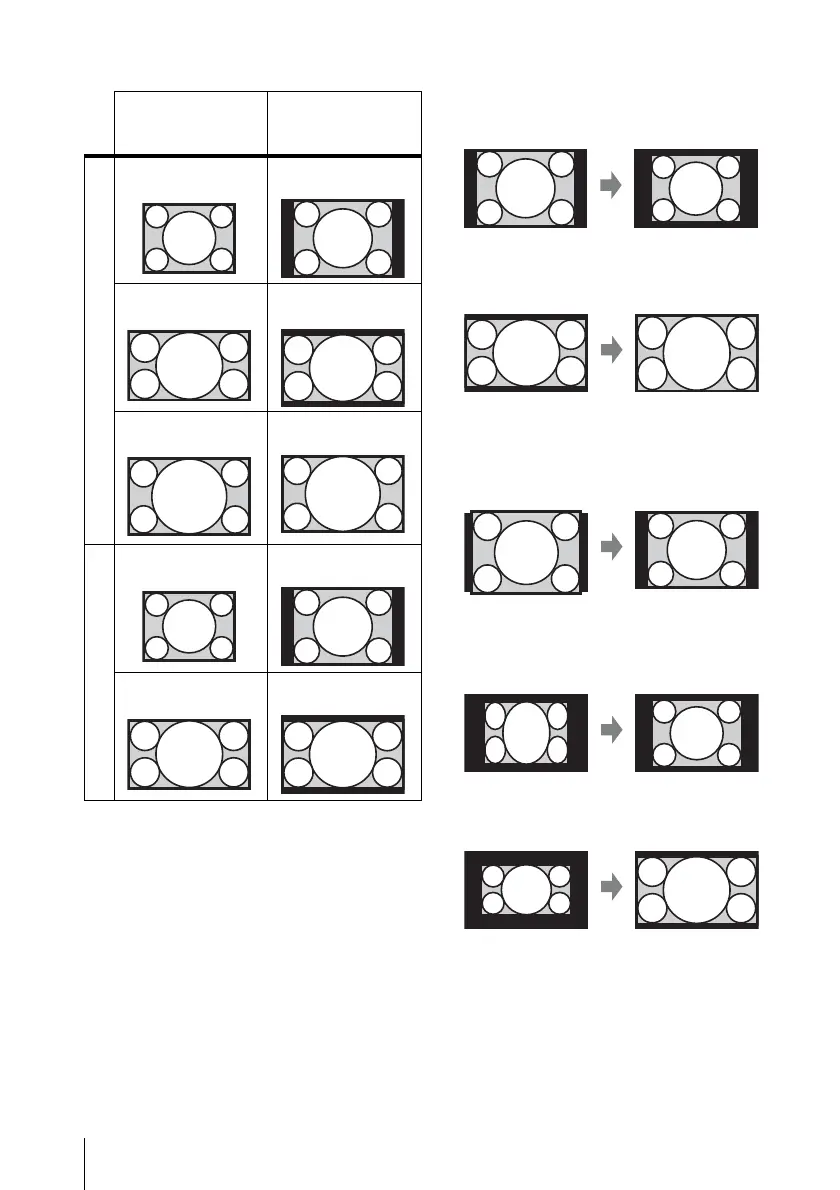
Input signal Recommended
setting value and
projected image
Computer signal
4:3 Full1
*1 *2 *3
16:9 Full1
*1 *2 *3
16:10 Full1
*3
Video signal
4:3 4:3
*4 *5
16:9 16:9


 To Next Page