5
GB
Notes on Installation and Usage
• If you rub on the cabinet with a stained
cloth, the cabinet may be scratched.
• If the cabinet is in contact with a rubber or
vinyl resin product for a long period of
time, the finish of the cabinet may
deteriorate or the coating may come off.
LCD data projector
• This LCD data projector is manufactured
using high-precision technology. You may,
however, see tiny black points and/or
bright points (red, blue, or green) that
appear continuously on the LCD data
projector. This is a normal result of the
manufacturing process and does not
indicate a malfunction
Notes on Installation
and Usage
Do not install the projector in the following
situations. Installation is these situations
or locations may cause a malfunction or
damage to the unit.
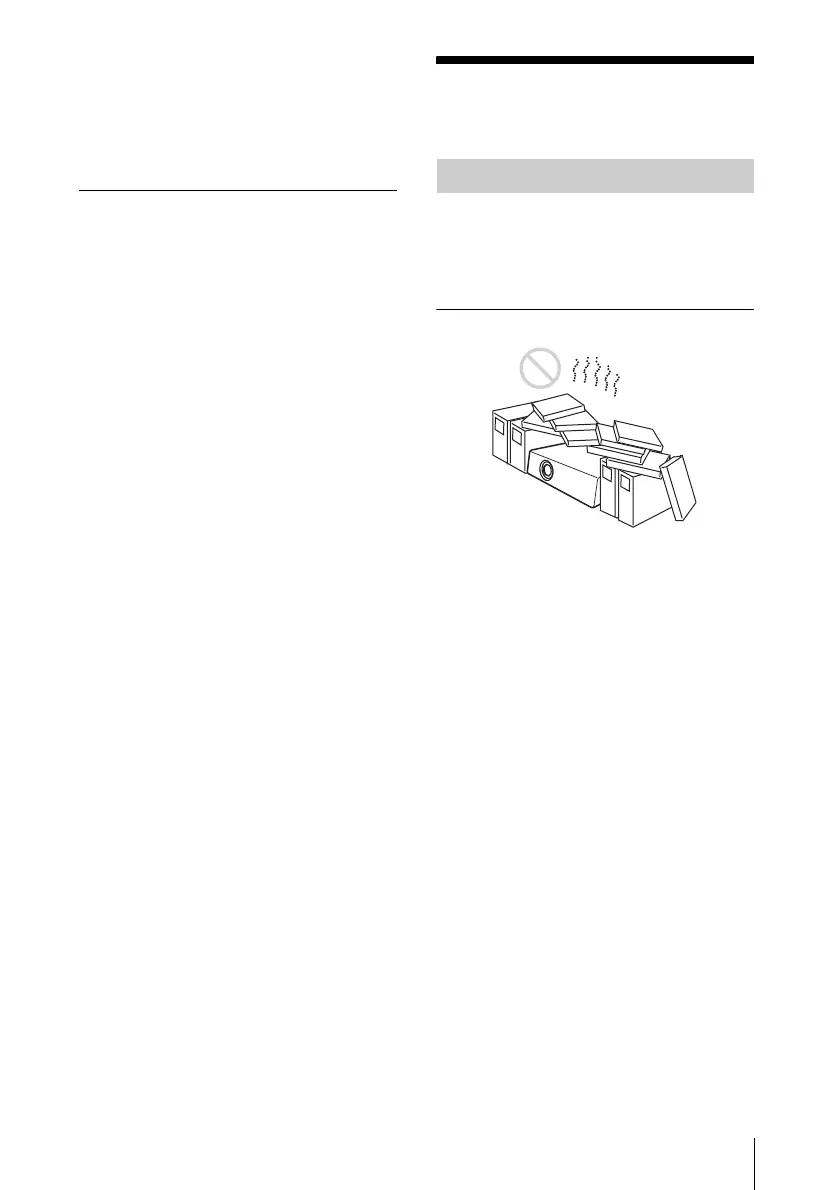
Poorly ventilated locations
• Allow adequate air circulation to prevent
internal heat build-up. Do not place the
unit on surfaces (rugs, blankets, etc.) or
near materials (curtains, draperies) that
may block the ventilation holes. When
internal heat builds up due to blockage of
ventilation holes, the temperature sensor
will function, and the power will be turned
off automatically.
• Leave space of more than 30 cm (11
7
/8
inches) around the unit.
• Be careful not to allow the ventilation
holes to inhale tiny objects such as pieces
of paper or clumps of dust.
Unsuitable Installation





 To Next Page