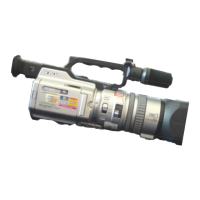
Differences Between VX1000 , VX2000 & PD150
VX 1000 Camera VX 2000 /PD150 Camera
Menu Bu tton Location:
Located in the back of the camera, inside the
battery panel to the right of the battery.
Located in the back of the camera on the left
side.
Battery Load:
Open back panel, slide battery in
horizontally, battery release button is located
inside next to the battery.
Slide into the back slot marked “Battery”,
Battery release button on top of camera
towards the power button.
ND (Neutral Density) Filter:
There is only one setting on the VX1000 for
ND F
ilter, which corresponds to one-tenth
quantity of light.
The neutral density filter has 2 settings, the
first setting corresponding to 1/4 of the
quantity of light (2 stops), and setting 2
corresponding to 1/32 (4 stops) of the quantity
of light.
Zoom Ring:
No zoom ring on the VX1000.
VX2000
and PD150 have a zoom ring. The
zoom ring and zoom buttons perform the same
function.
LCD Panel:
No LCD panel on the VX1000.
VX2000and PD150 have a LCD panel.













 To Next Page