Help Guide
Wireless Stereo Headset
WF-SP900
Preventing unintentional volume operations
Unintentional volume changes may occur due to external factors (such as water flow or bubbles during swimming) or
unexpected movement during exercise.
Lock the tap sensors to prevent unintentional volume operations and maintain a constant volume.
To reactivate volume operations with the tap sensors
Hold down the button (
) for 2 seconds again.
You will hear the voice guidance: Tap function ON.
The tap sensors will be reactivated.
Hint
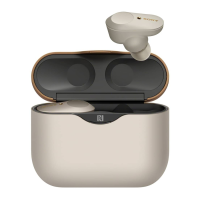
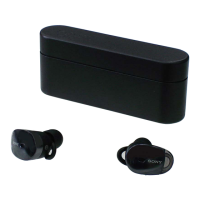
You can also reactivate both tap sensors by storing the player inside the charging case.
4-740-674-12(1) Copyright 2018 Sony Corporation
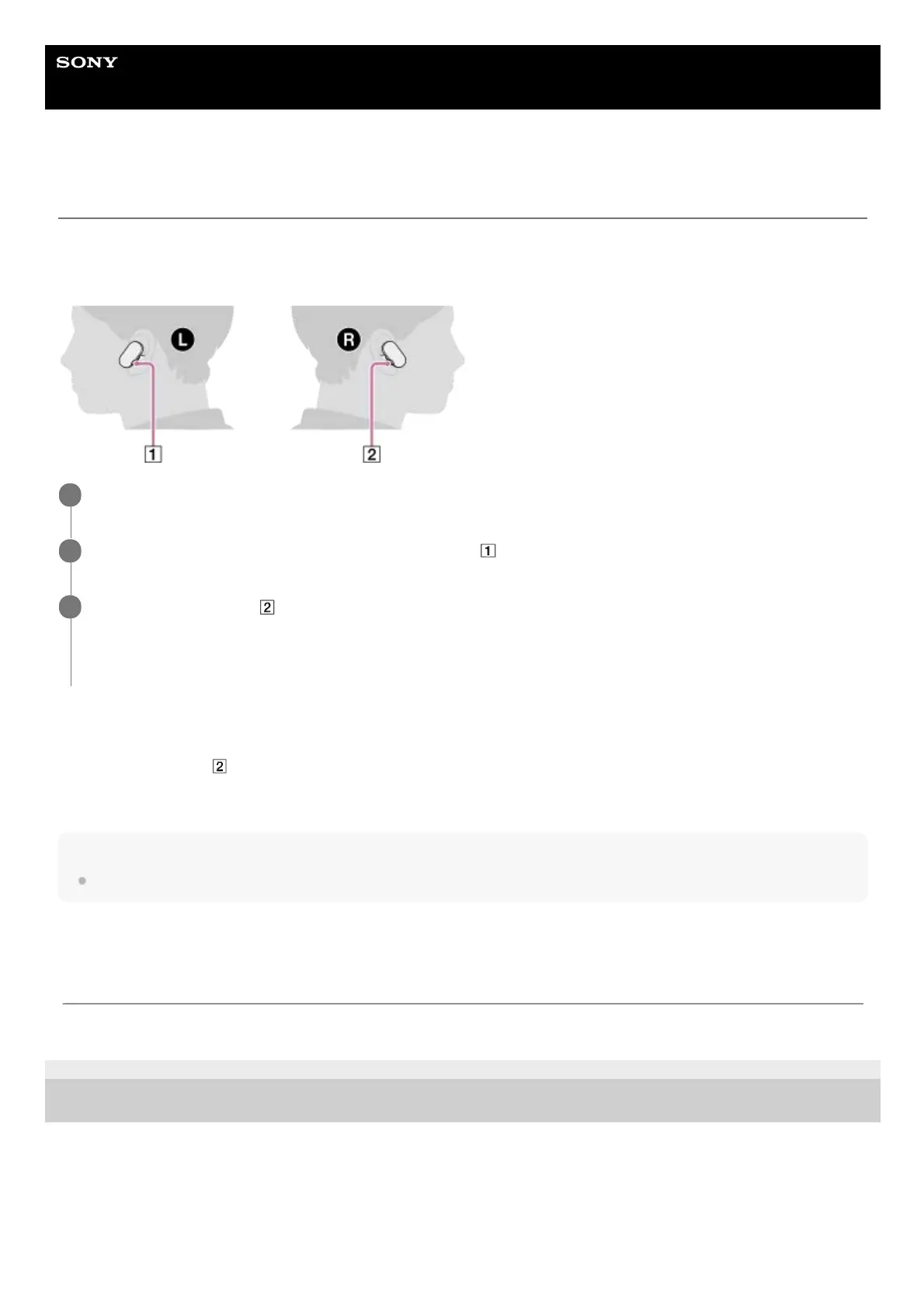
Put both units of the player on your ears.
1
If the Bluetooth function is on, hold down the button (
) for 2 seconds to turn off the Bluetooth function.
2
Hold down the button (
) for 2 seconds.
You will hear the voice guidance: Tap function OFF.
The tap sensors will be locked.
3
The contents of the Help Guide may be subject to change without notice due to updates to the product's specifications.



 To Next Page