Help Guide
Wireless Stereo Headset
WF-SP900
Transferring content from a Mac computer using Content Transfer
You can use Content Transfer. Music content with copyright protection cannot be transferred.
Note
If you connect the player to a battery-powered computer via the charging case, the battery of the computer will deplete. When
you connect the player to a computer via the charging case for a long period of time, connect the computer to an AC power
supply.
Use a computer on which Content Transfer has been installed.
1
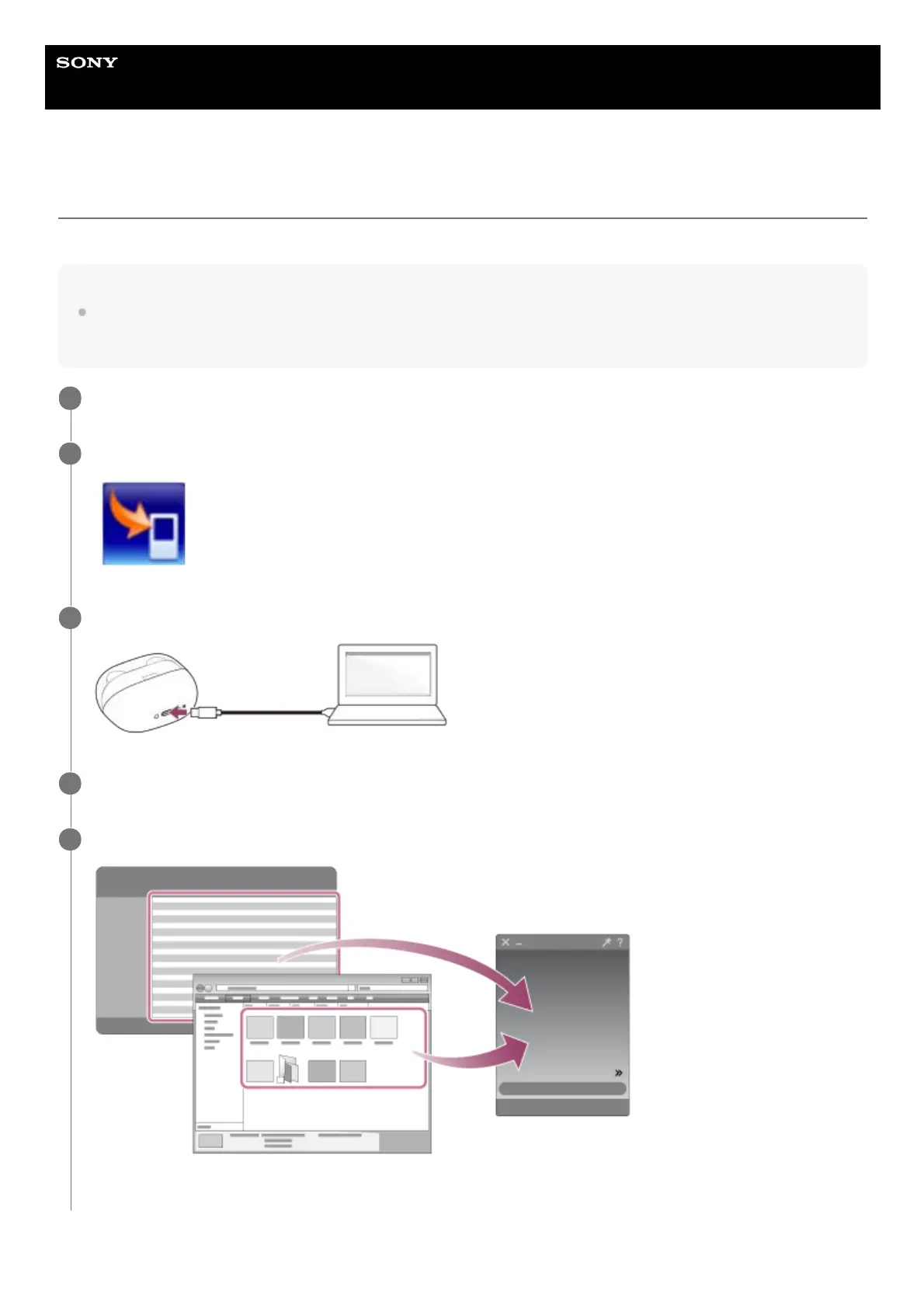
Launch Content Transfer.
2
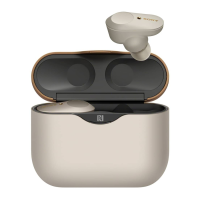
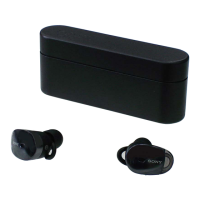
Store the player inside the charging case. Then, connect the charging case to the computer via USB.
3
Open Finder or iTunes. Then, select the music content.
4
Drag-and-drop the music content into Content Transfer.
Confirm that the transfer is complete. Then, disconnect the charging case and player from the computer.
5



 To Next Page