Terminal Description
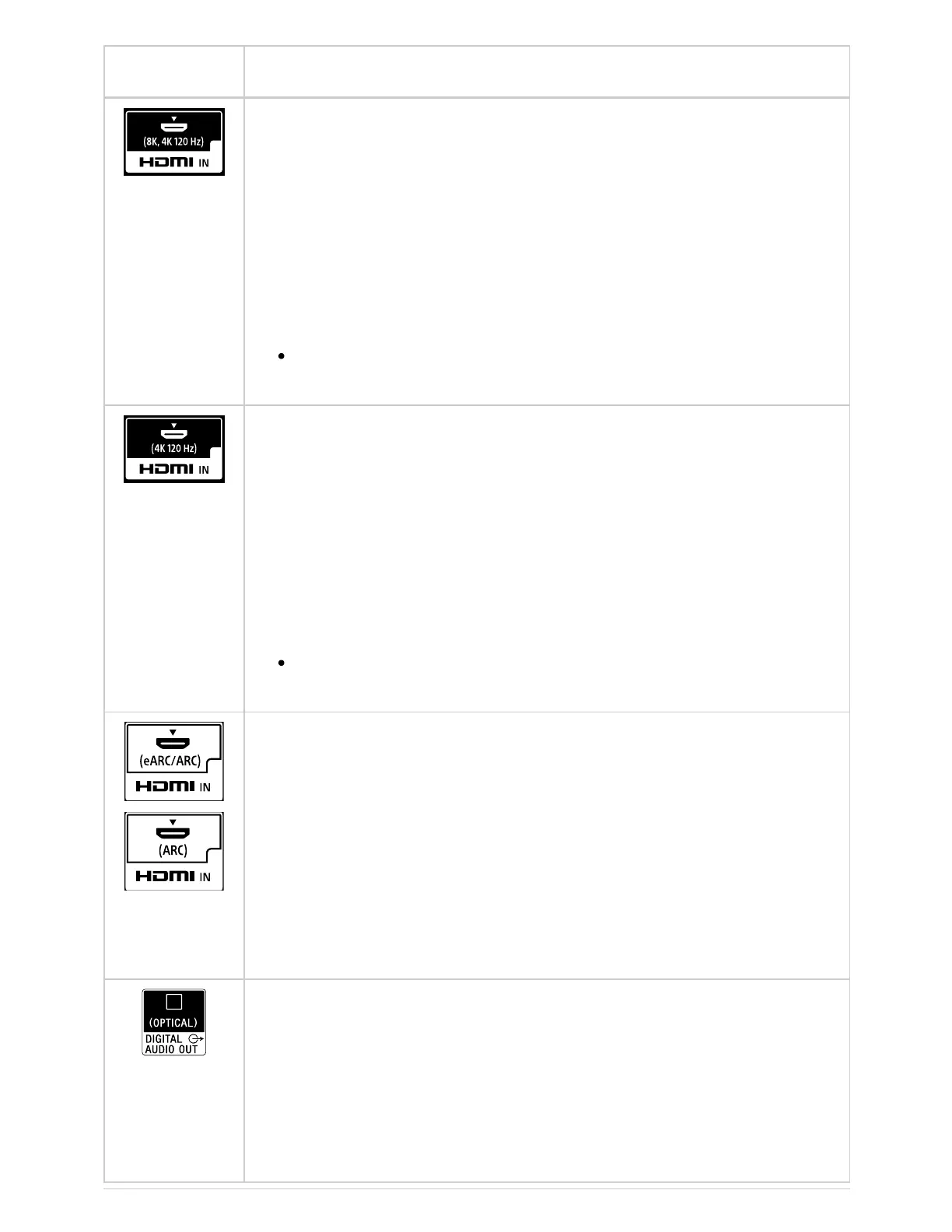
HDMI IN (8K, 4K 120 Hz)
If you use an HDMI device that supports video output in 8K or 4K
100/120 Hz, connect the Ultra High Speed HDMI Cable, and follow
the instructions displayed on the screen to set the [HDMI signal
format] of the HDMI IN port.
Note
4K 100 Hz support depends on your country/region.
HDMI IN (4K 120 Hz)
If you use an HDMI device that supports video output in 4K 100/120
Hz, connect the Ultra High Speed HDMI Cable, and follow the
instructions displayed on the screen to set the [HDMI signal format]
of the HDMI IN port.
Note
4K 100 Hz support depends on your country/region.
HDMI IN (eARC/ARC)
To connect an audio system that supports eARC (Enhanced Audio
Return Channel) or ARC (Audio Return Channel), connect to the
HDMI port labeled “eARC/ARC” on the TV. It is a feature that sends
audio to an audio system that supports eARC/ARC through an HDMI
cable. If the audio system does not support eARC/ARC, you need to
connect with DIGITAL AUDIO OUT (OPTICAL).
DIGITAL AUDIO OUT (OPTICAL)
Connects to an audio system with optical audio input.
When connecting an audio system not compatible with ARC using
an HDMI cable, you need to connect an optical audio cable to the
DIGITAL AUDIO OUT (OPTICAL) to output digital sound.
™
™



 To Next Page