[41] Blu-ray and DVD players | Blu-ray and DVD players
Connecting a Blu-ray or DVD player
Connect a Blu-ray/DVD player to the TV.
Use a connection method below based on the terminals available on your TV.
Note
The available terminals depend your model/region/country.
Hint
You can also connect a cable/satellite box in the same way as a Blu-ray/DVD player.
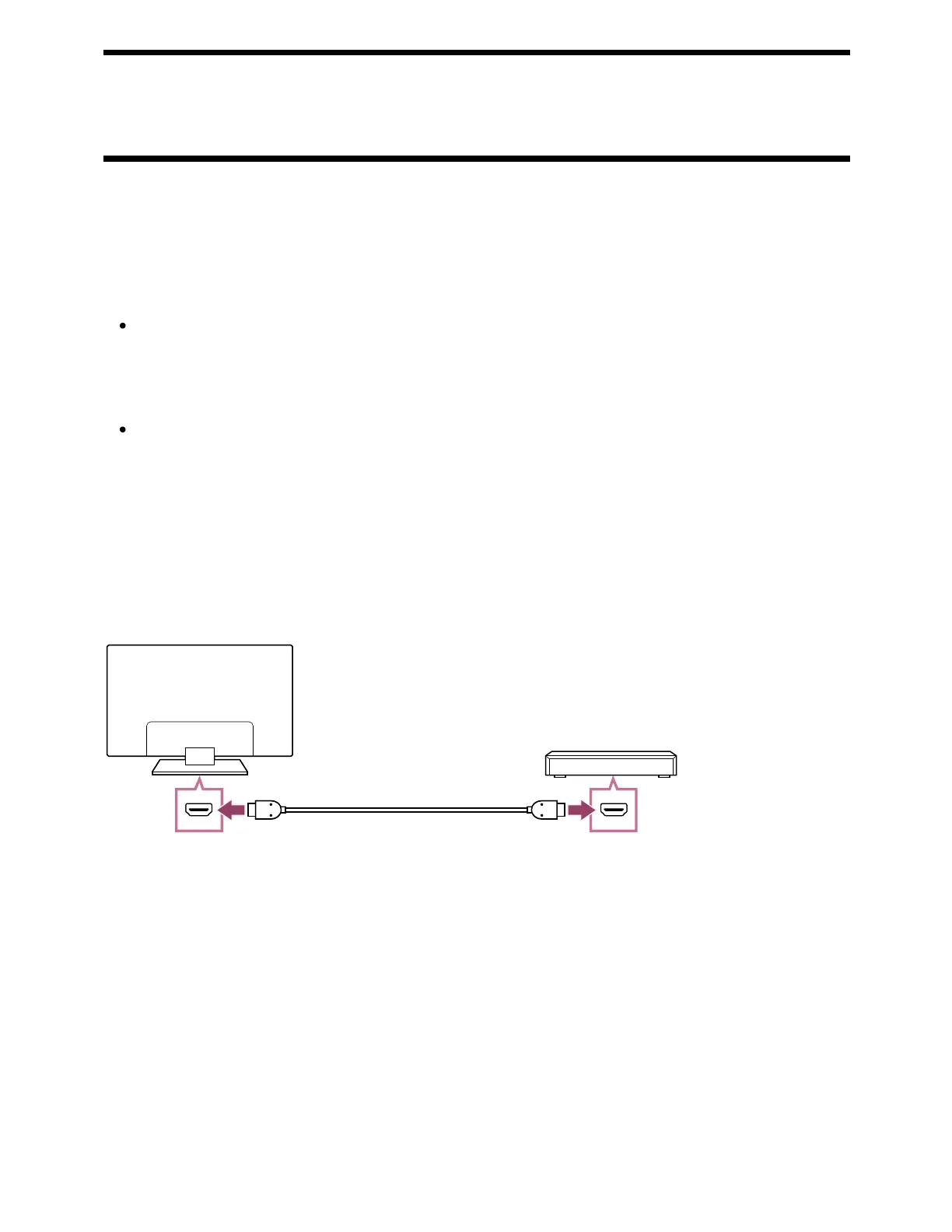
HDMI connection
For optimum picture quality, we recommend connecting your player to the TV using an
HDMI cable. If your Blu-ray/DVD player has an HDMI jack (socket), connect it using an
HDMI cable.
(A) Blu-ray/DVD player (same as connecting a cable/satellite box)
(B) HDMI cable (not supplied)
Be sure to use an authorized Premium High Speed HDMI Cable(s) bearing the HDMI
logo.
Composite connection
If your Blu-ray/DVD player has composite jacks (sockets), connect them using a
composite video/audio cable.
*
* ™



 To Next Page