1
Useful features
Searching for content/operating the TV with your voice
Enjoying preferred apps
Finding the remote control (only models supplied with a buzzer built-in remote control)
Enjoying safe apps and video streaming services (Security & Restrictions)
Enjoying the Camera and Microphone Unit (BRAVIA CAM supported models only)
[10] Useful features
Searching for content/operating the TV with your
voice
Using the remote control microphone This feature is available for TVs in which the
included remote control has a MIC button or Google Assistant button.
Using the built-in MIC on the TV (only TVs with a built-in MIC)
[11] Searching for content/operating the TV with your voice | Searching for
content/operating the TV with your voice
Using the remote control microphone
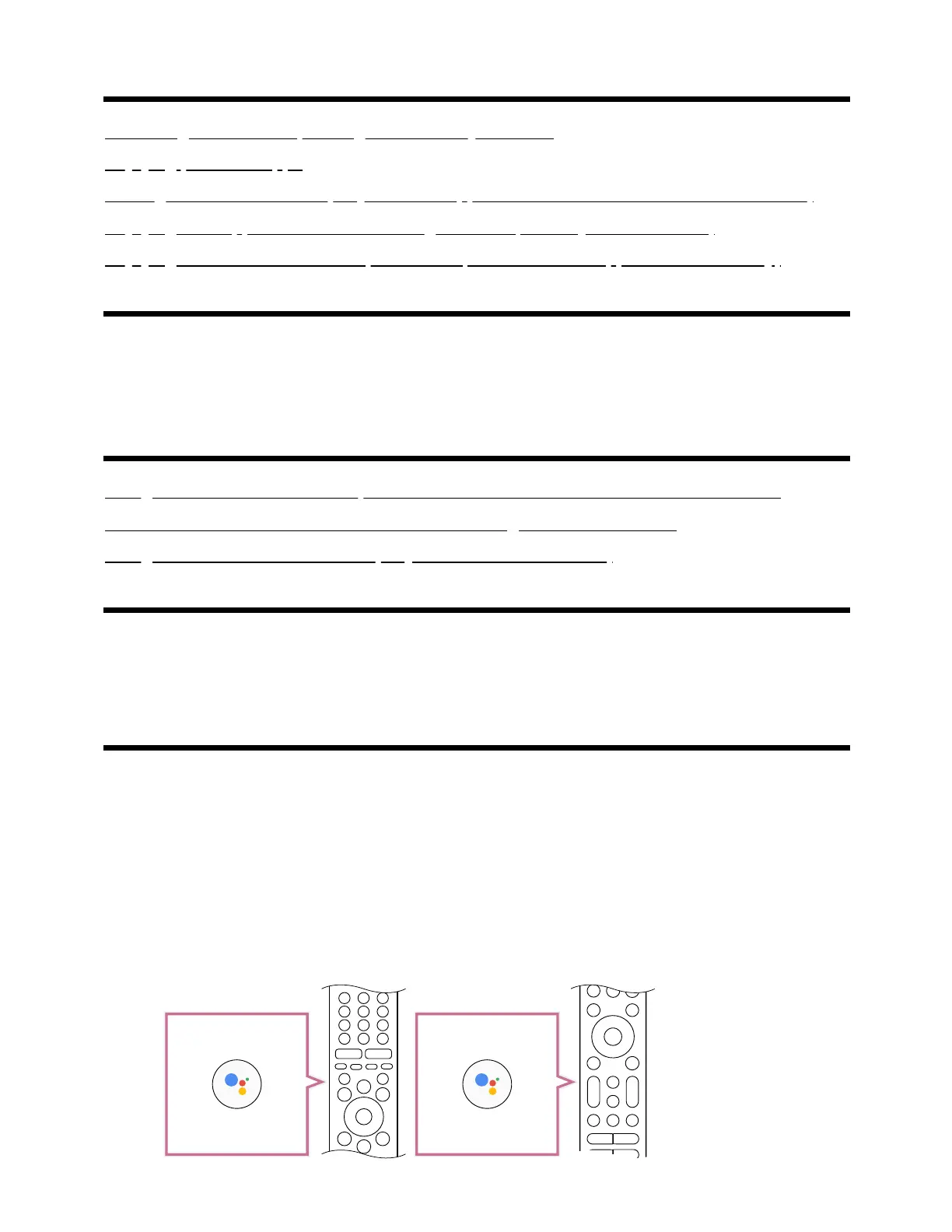
Remote controls that support voice control have a Google Assistant button, and a built-in
microphone. Ask Google to find movies, stream apps, play music, and control the TV - all
with your voice. Press the Google Assistant (or MIC) button on the remote to get started.
Press and hold the Google Assistant button on your remote control.
The microphone on the remote control will be activated while the button is pressed,
and the LED on the remote control will light up.



 To Next Page