[82]
Settings
The menus displayed in the TV settings vary depending on your model/region/country.
Using the Quick Settings
Channels & Inputs Channels and External inputs, etc.
Display & Sound Picture, Screen, Sound and Audio output, etc.
Network & Internet
Accounts & Sign In Configure the Google Account or add other accounts.
Privacy You can restrict installation of apps from unknown sources.
Apps
System Date & Time, Language, Sound, Accessibility, Parental controlsand LED indicator,
etc.
Remotes & Accessories Remote control and Bluetooth settings.
Help & Feedback Provides help from Sony and Google.
Timers & Clock Timer, Sleep timer, Alarm, Clock display, etc.
[83] Settings
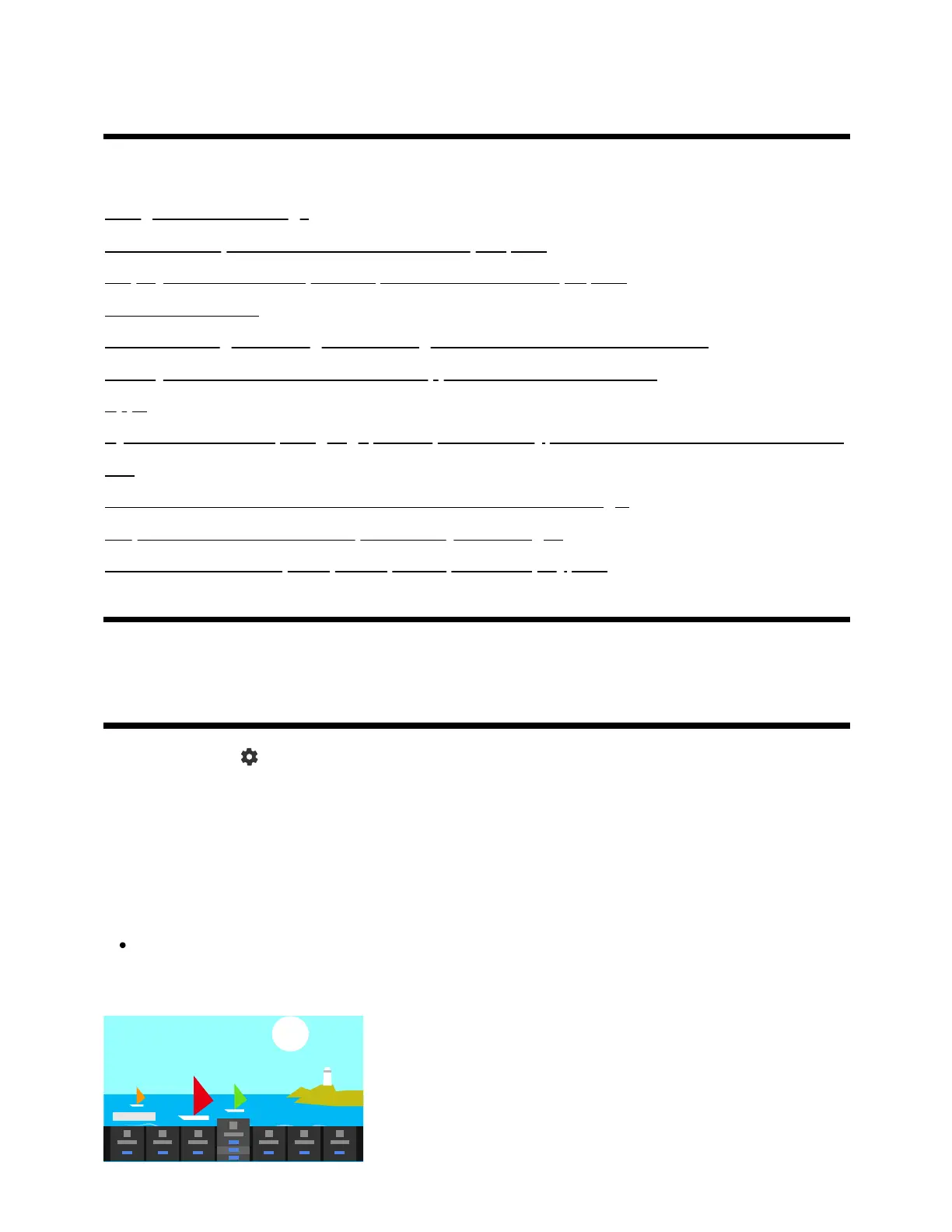
Using the Quick Settings
If you press the (Quick Settings) button on the remote control, you can quickly access
features such as [Picture mode], [Sleep timer], and [Picture Off] on the current screen, and
settings such as [Audio output] depending on the connected devices. You can also display
[Settings] from [Quick Settings].
Note
The menus displayed in the TV settings vary depending on your
model/region/country.



 To Next Page