1
To start an installed app later, select the Apps tab in the Home Menu, and select
[See all] at the right edge of the app area. Select the installed app to start it.
About paid apps
There are free apps and paid apps . To purchase a paid app, a prepaid Google Play gift
card code or credit card information is required. You can purchase a Google Play gift card
from various retailers.
To delete an app
Press the (Quick Settings) button on the remote control, select [Settings]
— [Apps], select an app to be deleted, and uninstall it.
Related topics
Connecting to a network using a LAN cable
Using Wi-Fi to connect the TV to the Internet/Network
[15] Useful features
Finding the remote control (only models supplied
with a buzzer built-in remote control)
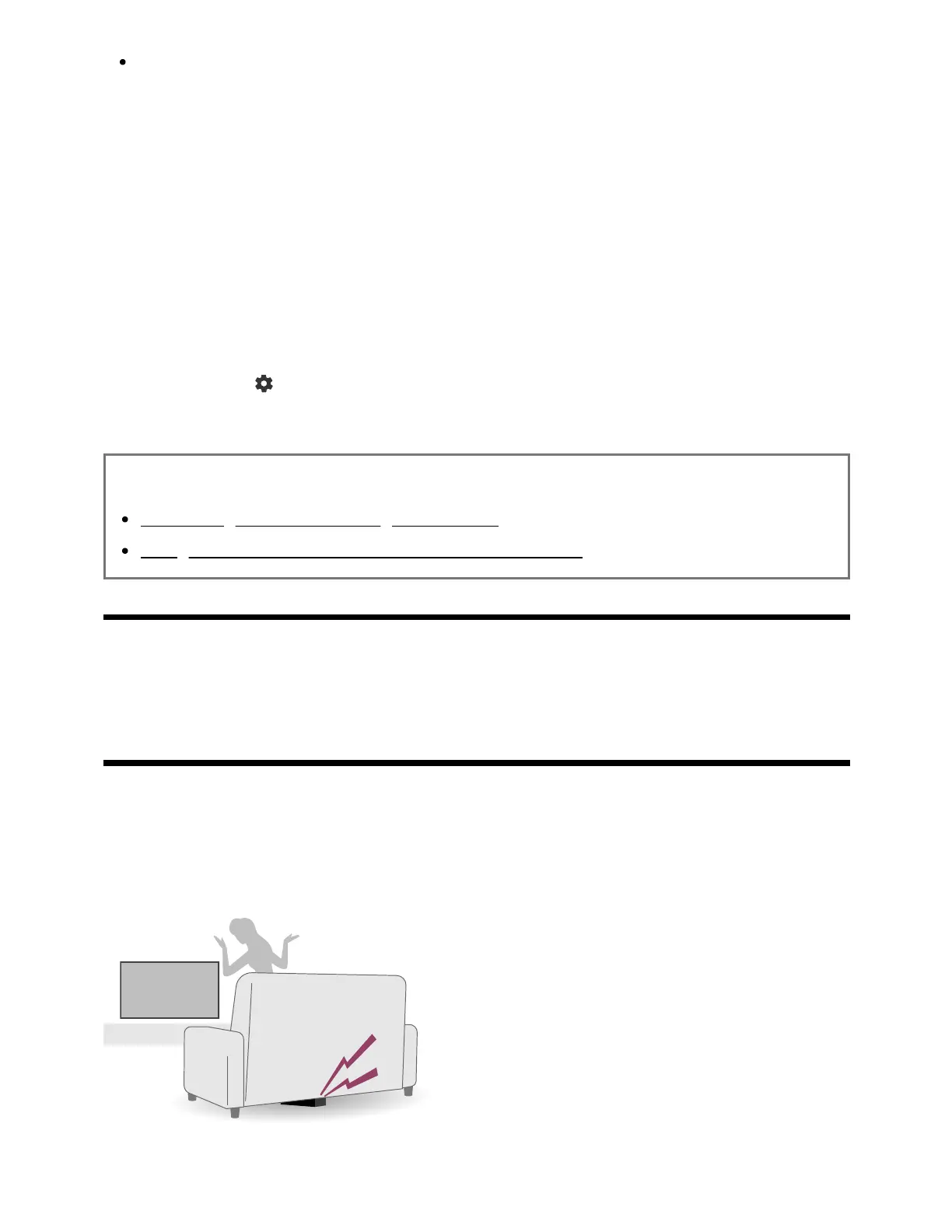
The remote control supplied with the TV has a feature that allows you to find the remote
control by playing a sound from a built-in buzzer when you cannot find it, such as when
you do not remember where you left it (for example, under a cushion or hidden under a
newspaper), or when you are watching a movie in a dark room.
Use the following procedures to find the remote control.



 To Next Page