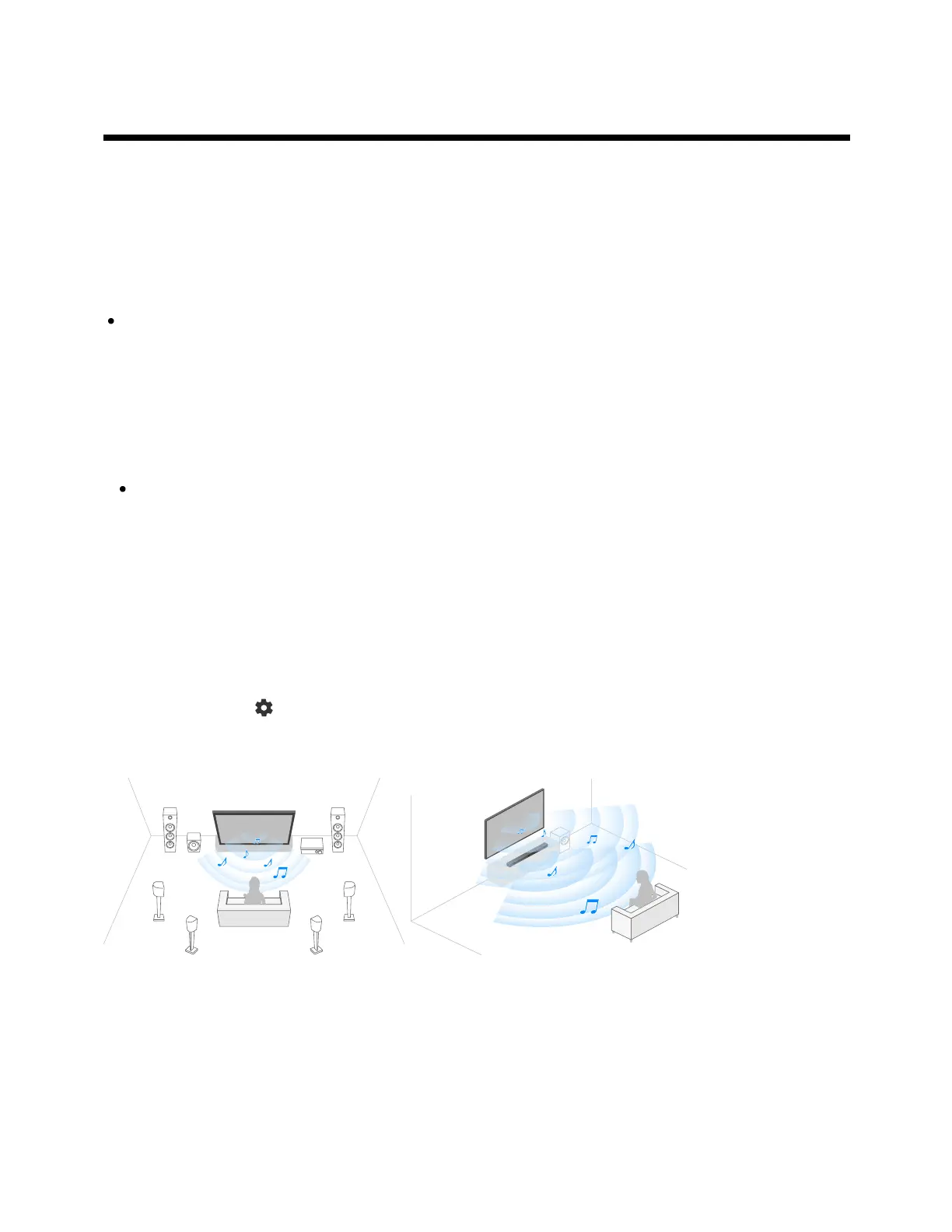
1
2
Using the TV as a center speaker (only models with
TV center speaker mode)
Models with a TV center speaker mode have CENTER SPEAKER IN terminals or S-
CENTER SPEAKER IN terminals on the back of the TV.
On TVs with S-CENTER SPEAKER IN input, you can use the TV as a center speaker in
the following cases.
When a sound bar with an S-CENTER OUT output/jack is connected
By using the TV as a center speaker, conversations sound natural because you can hear
them from the screen and its vicinity.
Hint
Some models have both CENTER SPEAKER IN and S-CENTER SPEAKER IN
terminals.
Connect the device to the TV while referring to “Connecting an AV receiver
with a speaker cable” or “Connecting a sound bar (only models with S-
CENTER SPEAKER IN terminals)” below.
Press the (Quick Settings) button on the remote control, change [Settings]
— [Display & Sound] — [Audio output] — [Speakers] to [Audio system].
Connecting an AV receiver with a speaker cable
Connect the TV and AV receiver with a speaker cable.



 To Next Page