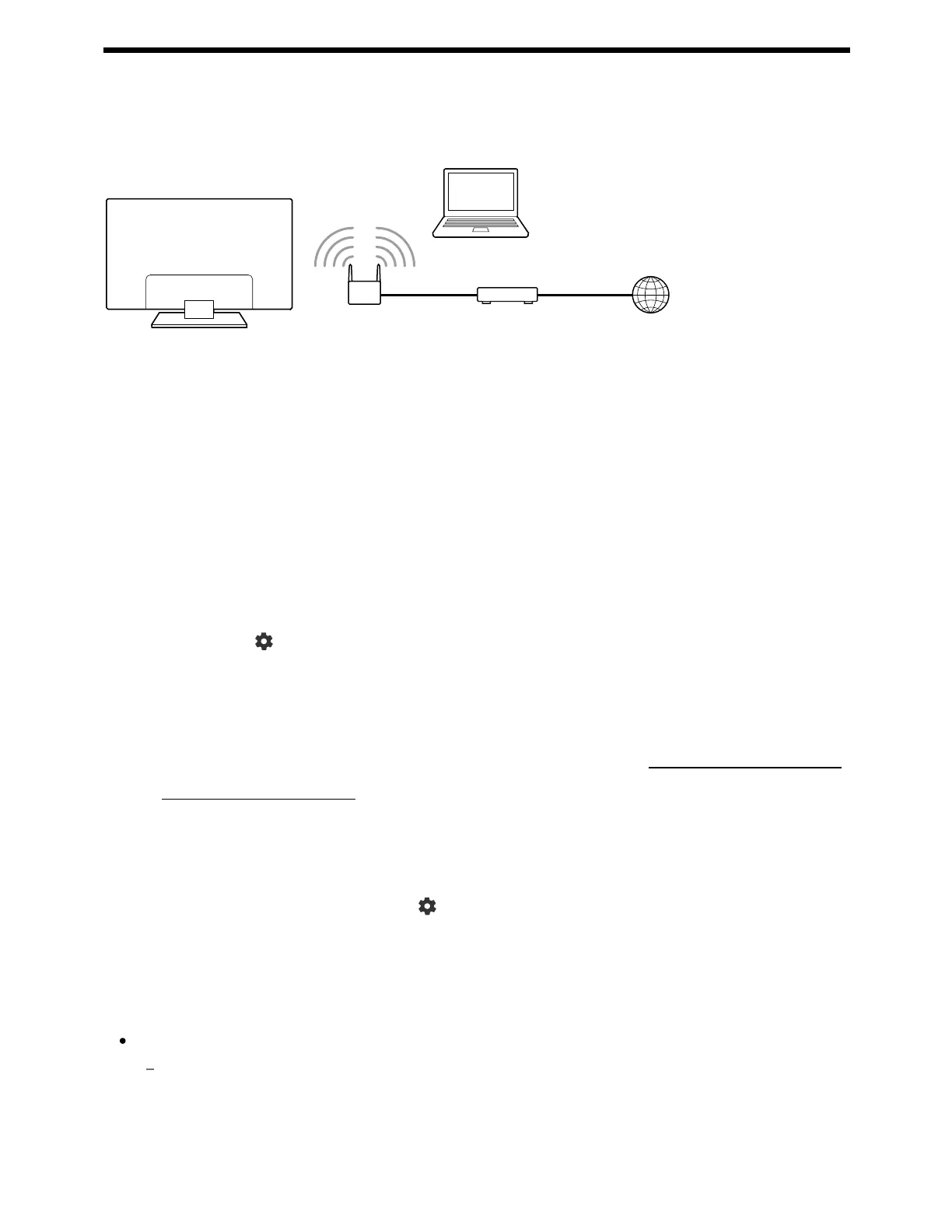
(A) Computer
(B) Wireless router
(C) Modem
(D) Internet
Set up your wireless router.
For details, refer to the instruction manual of your wireless router, or contact the
person who set up the network (network administrator).
Press the (Quick Settings) button on the remote control, then select
[Settings] — [Network & Internet].
Select a network you want to connect to and set the password.
If your TV can not connect to the Internet/Network, refer to The TV cannot connect
to the Internet/Network. page.
To turn off the built-in wireless LAN
To disable [Wi-Fi], press the (Quick Settings) button on the remote control,
then select [Settings] — [Network & Internet] — [Wi-Fi].
Hint
For smooth video streaming:
Change the setting of your wireless router to a high-speed networking standard such as
802.11n if possible.
For details on how to change the setting, refer to the instruction manual of your wireless
router, or contact the person who set up the network (network administrator).



 To Next Page