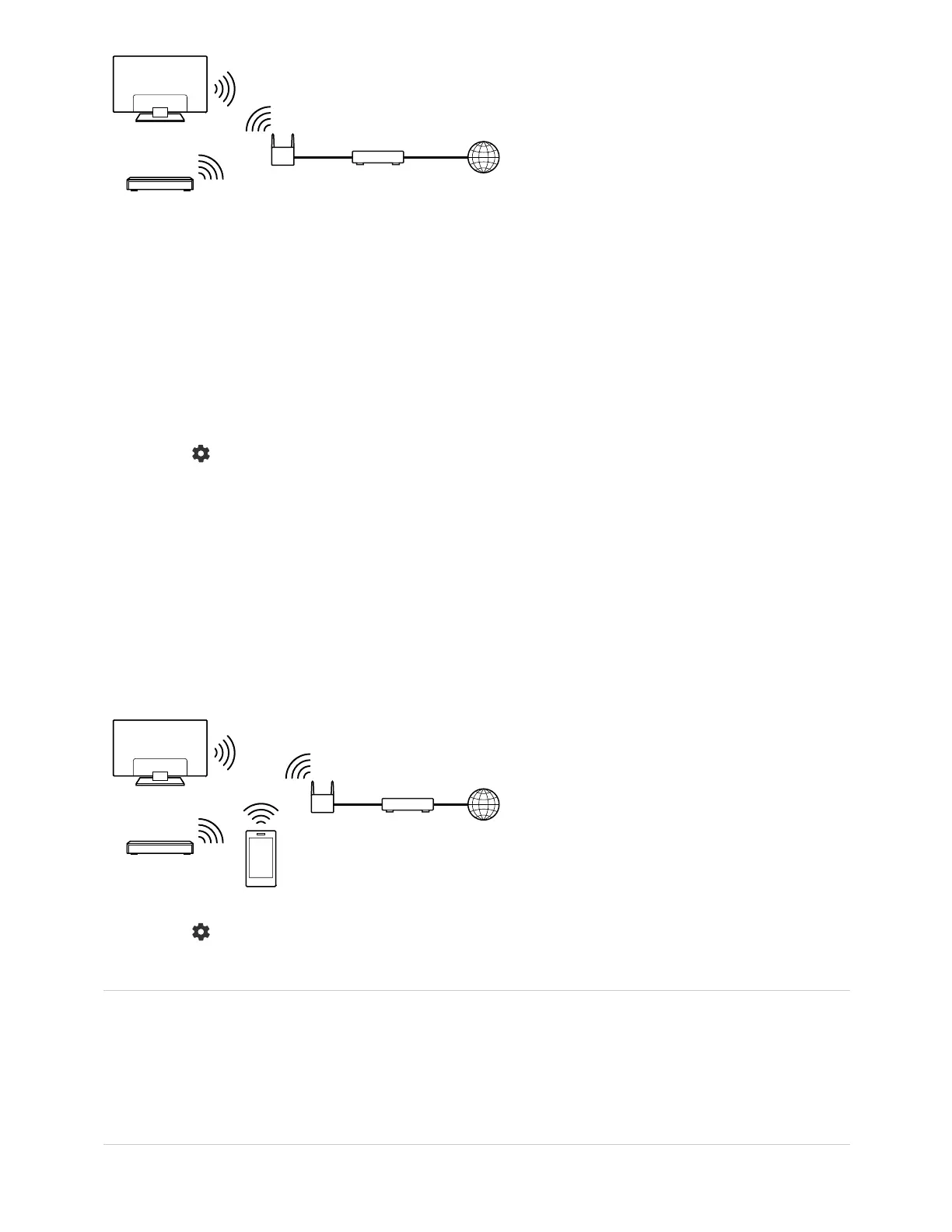
(A) TV
(B) BD/DVD recorder
(C) Wireless LAN router
(D) Modem
To check the server connection
Press the (Quick Settings) button on the remote control, then select [Settings] —
[Network & Internet] — [Home network] — [Server diagnostics] — follow the on-screen
instructions to perform diagnostics.
To use the renderer function
Connect the renderer device (TV), the server device (BD/DVD recorder), and the device
that controls the server and renderer (smartphone) to the same network. You can use the
smartphone to operate the TV within the same network.
Press the (Quick Settings) button on the remote control, then select [Settings] —
[Network & Internet] — [Home network] — [Renderer] — the desired option.
[Renderer]
Enable the renderer function.
You can play photo/music/video files in a controller (e.g., digital still camera) on the TV
screen by operating the device directly.
[Renderer access control]



 To Next Page