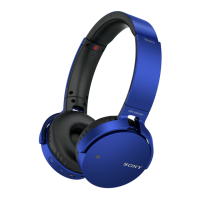
XBA-BT75 [US, ES] 4-411-333-11(1)
8
US
Calling
Listening to music
3 steps to Bluetooth function
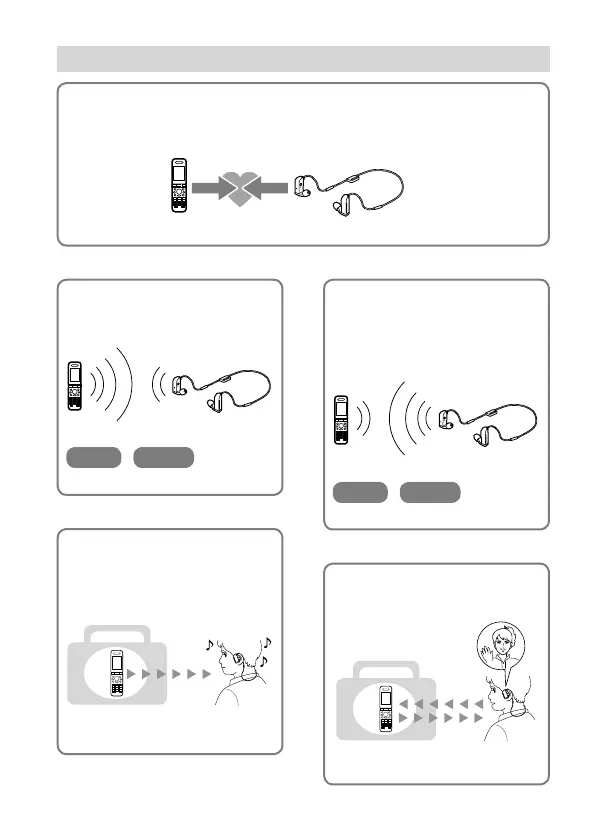
Pairing
First, register (“pair”) a Bluetooth device (mobile phone, etc.) and this unit
with each other. Once pairing is established, there is no need for pairing again.
Bluetooth
mobile phone,
etc.
Pairing
Wireless
Stereo Headset
Page 15-16
Bluetooth connection
Operate the Bluetooth device to
make the Bluetooth connection.
Connection
A2DP AVRCP
Page 20
Bluetooth connection
When the unit is turned on, the
unit starts making the Bluetooth
connection to the recognized
mobile phone automatically.
Connection
HFP HSP
Page 22-23
Talking on the phone
You can receive a call by
operating this unit.
Voice
Page 23-25
Listening to music
You can listen to music played on
the Bluetooth device.
Playback, stop, or pause is
possible from this unit.
Music
Page 20-21


 To Next Page