Help Guide
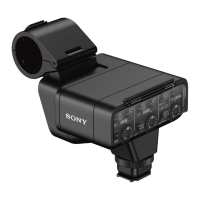
XLR Adaptor Kit
XLR-K3M
Using a device, such as an external audio device
Use a microphone other than the supplied one or an external audio device, such as an audio mixer, for recording.
Note
Before connecting/disconnecting a device to/from the INPUT1 or INPUT2 jack, be sure to set the INPUT1 (LINE/MIC/MIC+48V)
or INPUT2 (LINE/MIC/MIC+48V) switch to the position other than “MIC+48V.” While the switch is set to “MIC+48V,”
plugging/unplugging the cable from the device may cause a loud noise or a malfunction of the device.
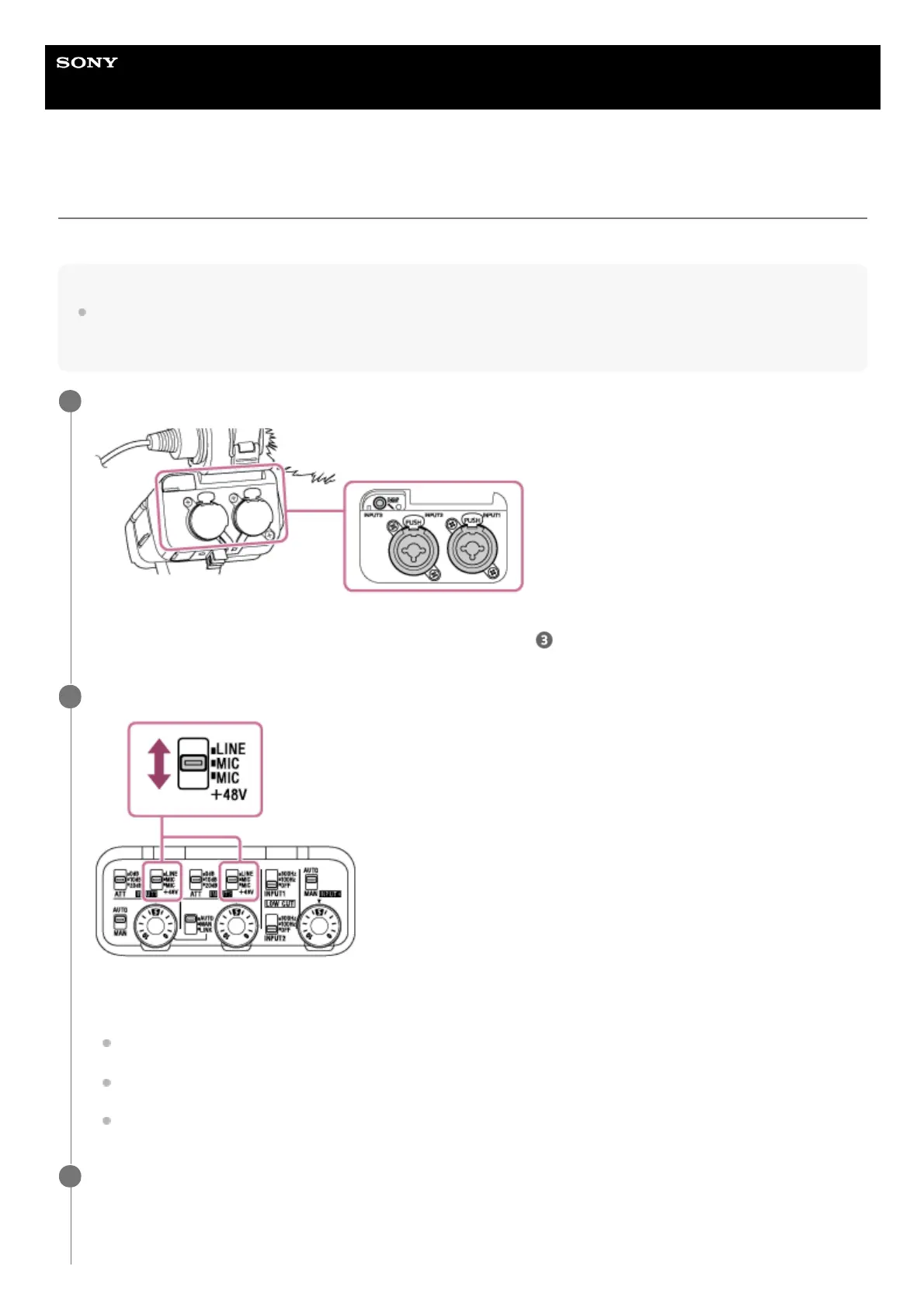
Connect your desired device to the INPUT1, INPUT2, or INPUT3 jack on the XLR adaptor.
When using either the INPUT1 or INPUT2 jack, connect the device to the INPUT1 jack.
When connecting the device to the INPUT3 jack, proceed to step
.
1
Select an input audio source.
Depending on the device connected to the INPUT1 or INPUT2 jack, set the INPUT1 (LINE/MIC/MIC+48V) or
INPUT2 (LINE/MIC/MIC+48V) switch as follows:
LINE (Standard input level at +4 dBu (0 dBu = 0.775 Vrms)): An external audio device (e.g. an audio mixer)
MIC: A dynamic microphone or a microphone with the built-in battery
MIC+48V: A microphone compatible with +48V power (phantom power)
2
With the INPUT SELECT switch, select the audio input for recording audio to the channels on the attached
camera.
Select the audio input jack on the unit (INPUT1, INPUT2, or INPUT3) through which audio is recorded to the
channels on the camera.
3


 To Next Page