Note
Adjustment of the recording volume level on the attached camera does not work.
Related Topic
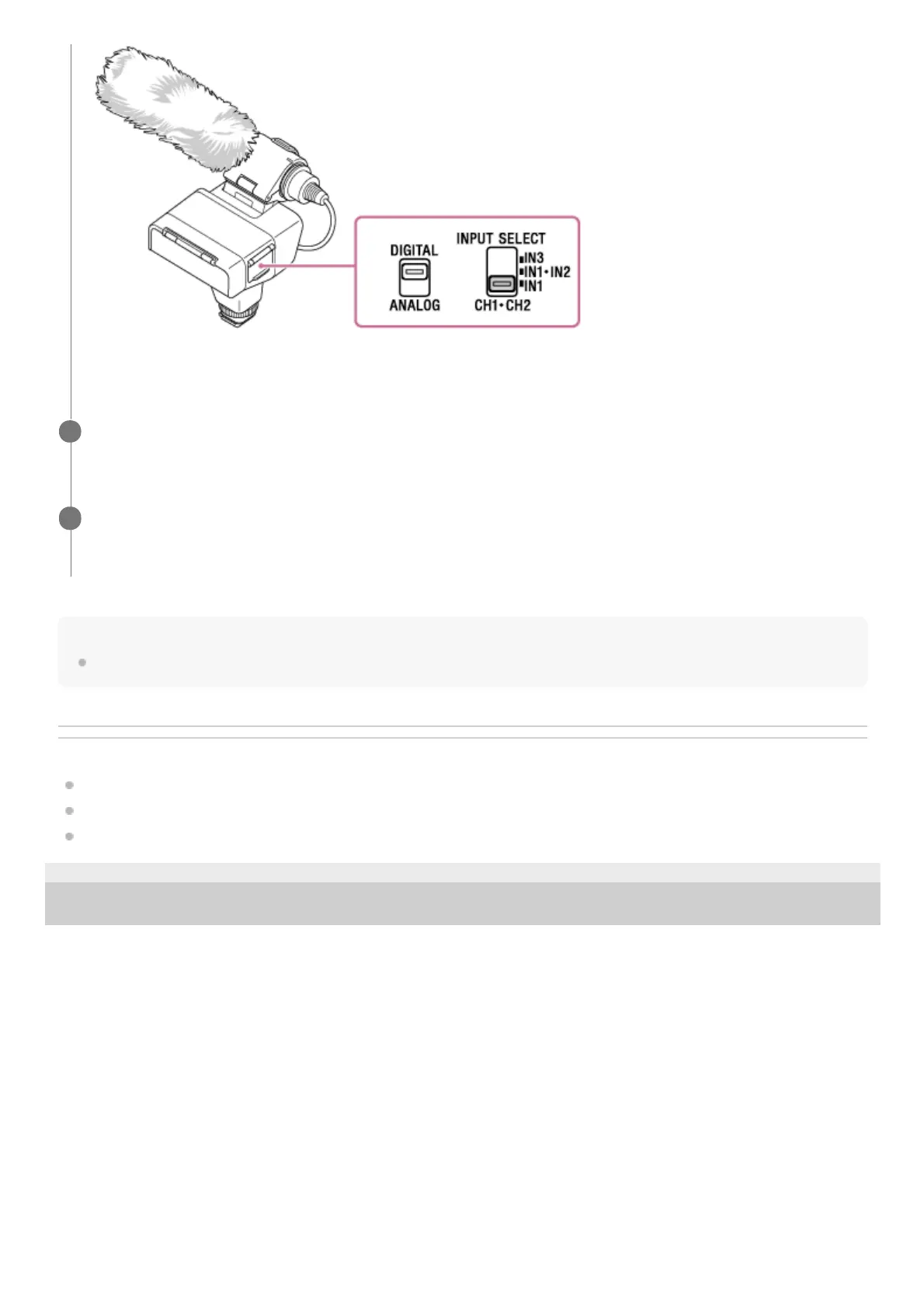
Selecting the digital or analog input type
Minimizing noise with the LOW CUT function
Selecting the audio input for recording audio to the channels on the camera
5-008-246-11(1) Copyright 2019 Sony Corporation
The audio from the microphone connected to the INPUT1 jack is recorded to both the CH1 and CH2 channels on
the attached camera.
Adjust the recording volume level.
For detailed instructions on adjustment, see “Adjusting the recording volume level.”
4
Operate the camera to start recording.
For details, refer to the Help Guide provided for your camera.
5


 To Next Page