Help Guide
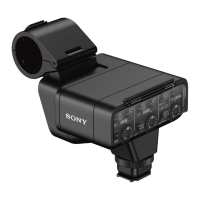
XLR Adaptor Kit
XLR-K3M
Minimizing noise with the LOW CUT function
Minimize unwanted noises, such as wind noise, air-conditioning noise, and vibration noise, by attenuating low-frequency
components of the input audio from the INPUT1 or INPUT2 jack.
Related Topic
Using the supplied microphone
Using a device, such as an external audio device
5-008-246-11(1) Copyright 2019 Sony Corporation
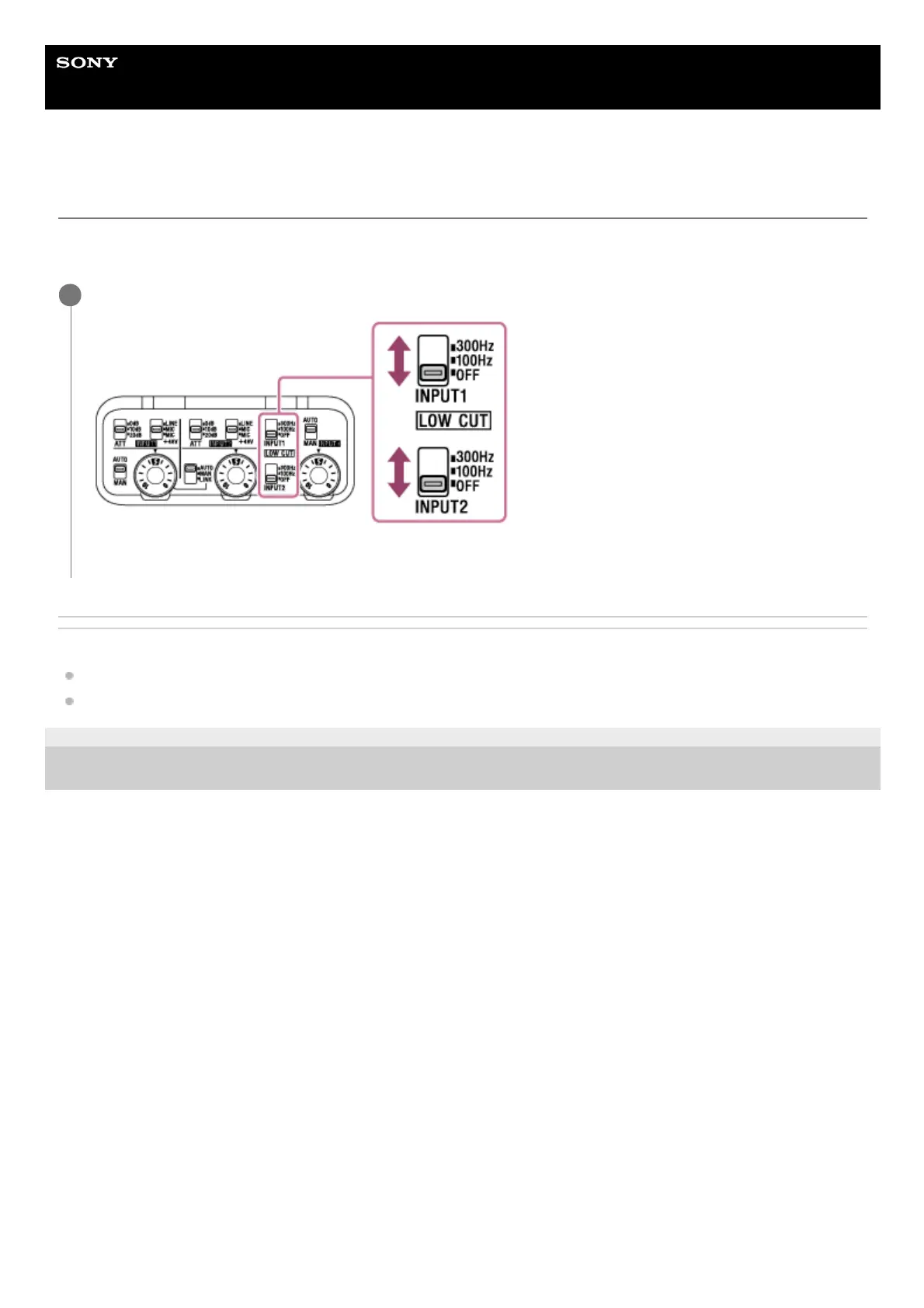
Change the LOW CUT (INPUT1) or LOW CUT (INPUT2) switch setting.
Select either “300Hz” or “100Hz” depending on the noise to minimize.
1


 To Next Page