1. Front camera
2. Light sensor
3. Charging light/
Notification light
4. Speaker A
5. Speaker B
6. Volume key
7. Power key
8. Microphone
9. Infrared sensor
10. Charger/USB port cover
11. Cover for memory card
slot and micro SIM slot
12. Main camera
13. NFC™ detection area
14. Headset jack
15. Charging dock
connector
Turning on the device
If it is the first time you turn on your device, make sure
that the battery is charged for at least 30 minutes
before you turn on the device for the first time.
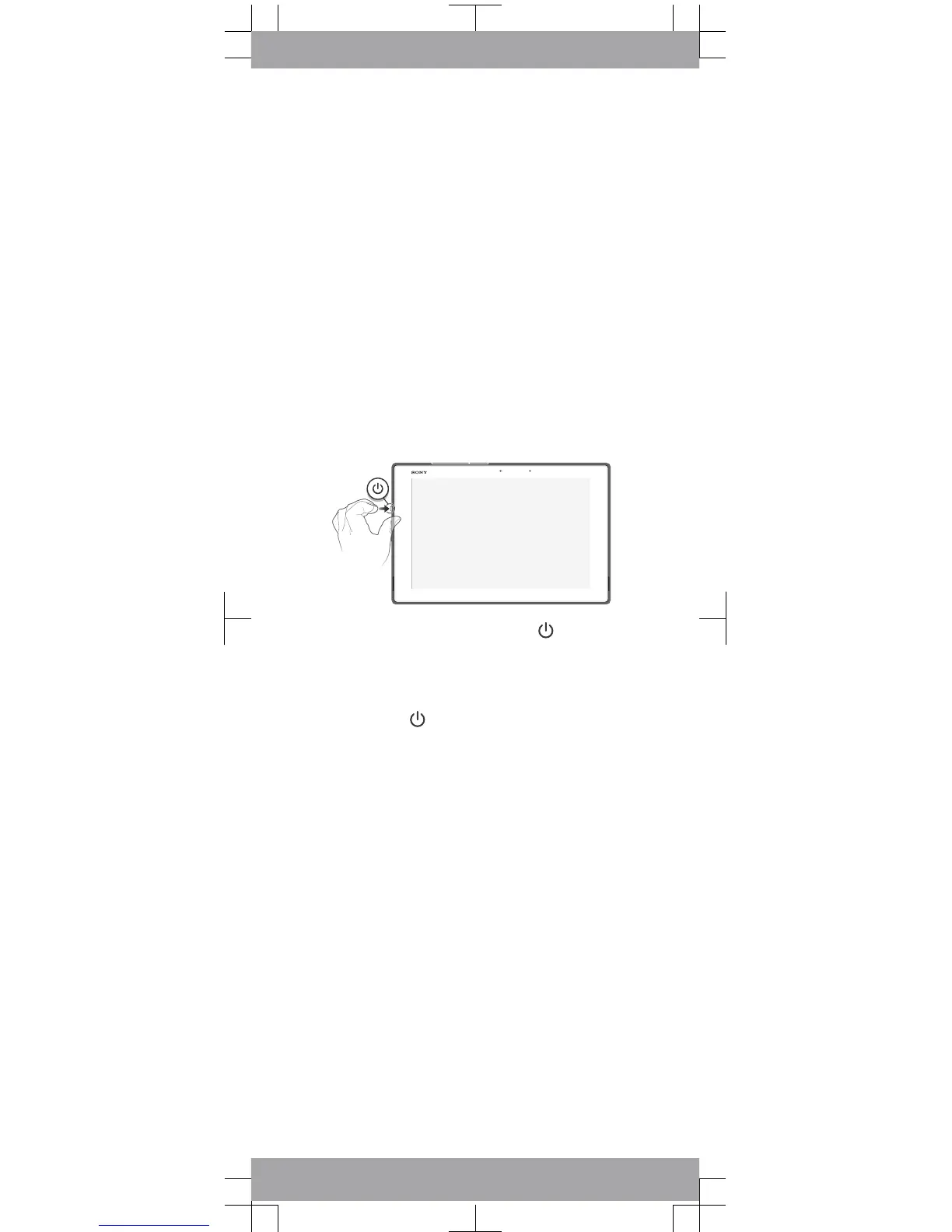
To turn on the device
1
Press and hold down the power key until the
device vibrates.
2
Wait a while for the device to start.
To force the device to shut down
1
Press and hold down both the volume up key and
the power key
for 10 seconds.
2
After your device vibrates three times, release the
keys. The device turns off automatically.













 To Next Page