installed on your device as well as the applications you
download.
The Application screen extends beyond the regular
screen width, so you need to flick left and right to view
all content.
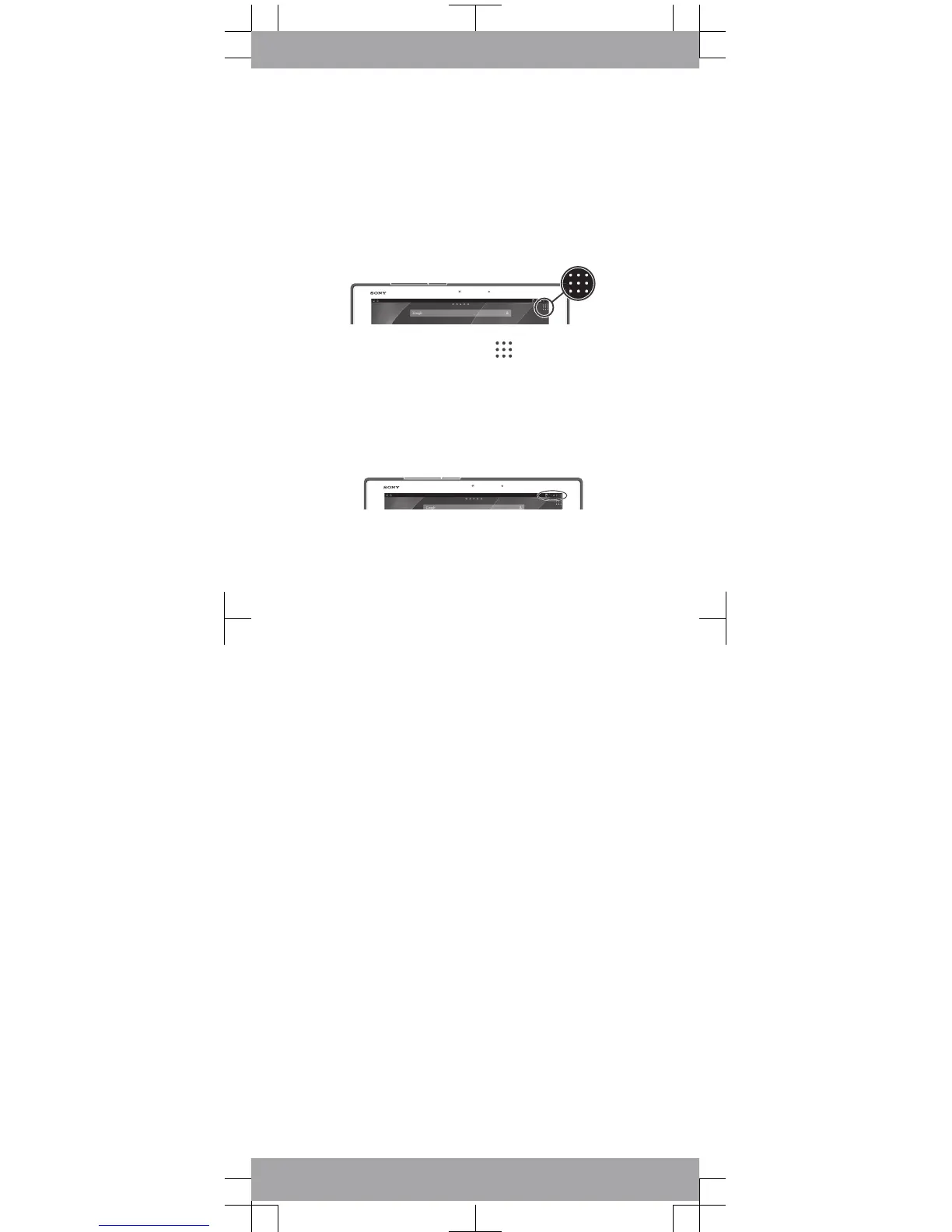
To open the Application screen
•
From your Home screen, tap .
Status and notifications
The status bar at the top of your screen shows what's
going on in your device. For example, new message
and calendar notifications appear here.
To open the Notification panel
•
Drag the left side of the status bar downwards.













 To Next Page