55
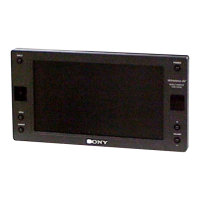
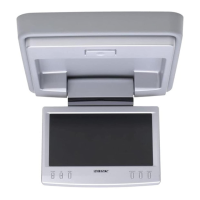
XVM-R70
8
AT T POWER
MENUINPUT
MODE
LIST
SETUP
TOP MENU ALBUM
+
ALBUM
–
MENU
DISPLAY
ENTER
VOL
SUBTITLE
AUDIO
OFF
AT T POWER
MENUINPUT
MODE
LIST
SETUP
TOP MENU ALBUM
+
ALBUM
–
MENU
DISPLA
Y
ENTER
VOL
SUBTITLE
AUDIO
OFF
Tip
Refer to “Replacing the lithium battery” for details on how to replace the batteries (page 18).
For the monitor operations:
1 ATT button
Press to quickly attenuate the
volume.
2 VOL (volume) +/– buttons
Press to adjust the volume.
3 INPUT button
Press to select the input source.
4 POWER button
5 MENU button
Press to adjust the various display
settings.
6 MODE button
Press to change the screen mode.
7 V/v buttons
Press to select the desired item.
Card remote commander RM-X122
For DVD operations:
When a Sony mobile DVD player is
connected to this unit, you can control
the basic functions with the card remote
commander.
8 V/v (ALBUM +/–) buttons
9 TOP MENU button
0 MENU button
qa O button
qs ./> buttons
qd m/M (
) buttons
qf B/b buttons
qg LIST button
qh SET UP button
qj ENTER button
qk DISPLAY button
ql u button
w; OFF button
wa SUBTITLE button
ws AUDIO button
•For function details, refer to the
operating instructions supplied with the
DVD player.
•
Sony DVD changer DVX-100 is not
controllable with this card remote
commander.


 To Next Page
 Loading...